
10 Types of Teaching Styles to Boost Engagement in 2026
 Mahmudul Hasan Rafi·
Choosing the right teaching style isn't just an academic exercise; it's a critical decision that directly impacts your students' engagement, completion rates, and real-world success. Many course creators default to a single method, often the familiar lecture-style, without realizing they might be leaving student progress on the table. But what if a simple shift in your approach could dramatically increase how many students finish your course and achieve their goals? For example, one internal study showed a course's completion rate jump from 64% to 89% just by switching from a lecture-heavy format to a more hands-on, coaching-style approach.
This guide moves beyond theory to provide concrete, actionable advice. We will explore 10 powerful types of teaching styles, breaking down not only what they are but also how to implement them effectively within an online course platform like Mentor LMS. You will learn how to mix different methods to create a dynamic learning experience that keeps students motivated from the first lesson to the final certificate. We'll cover everything from structuring lecture-based videos to designing project-based modules that build real skills, ensuring you have the tools to select and apply the best style for any learning objective.
1. Lecture-Based Teaching (Instructor-Centered)
The lecture-based style is one of the most classic types of teaching styles, where the instructor acts as the central source of knowledge. This instructor-centered model involves delivering information through structured presentations, with students primarily in a receptive role. It remains a cornerstone for delivering foundational knowledge efficiently, especially in content-heavy subjects like technical certifications or corporate compliance training.
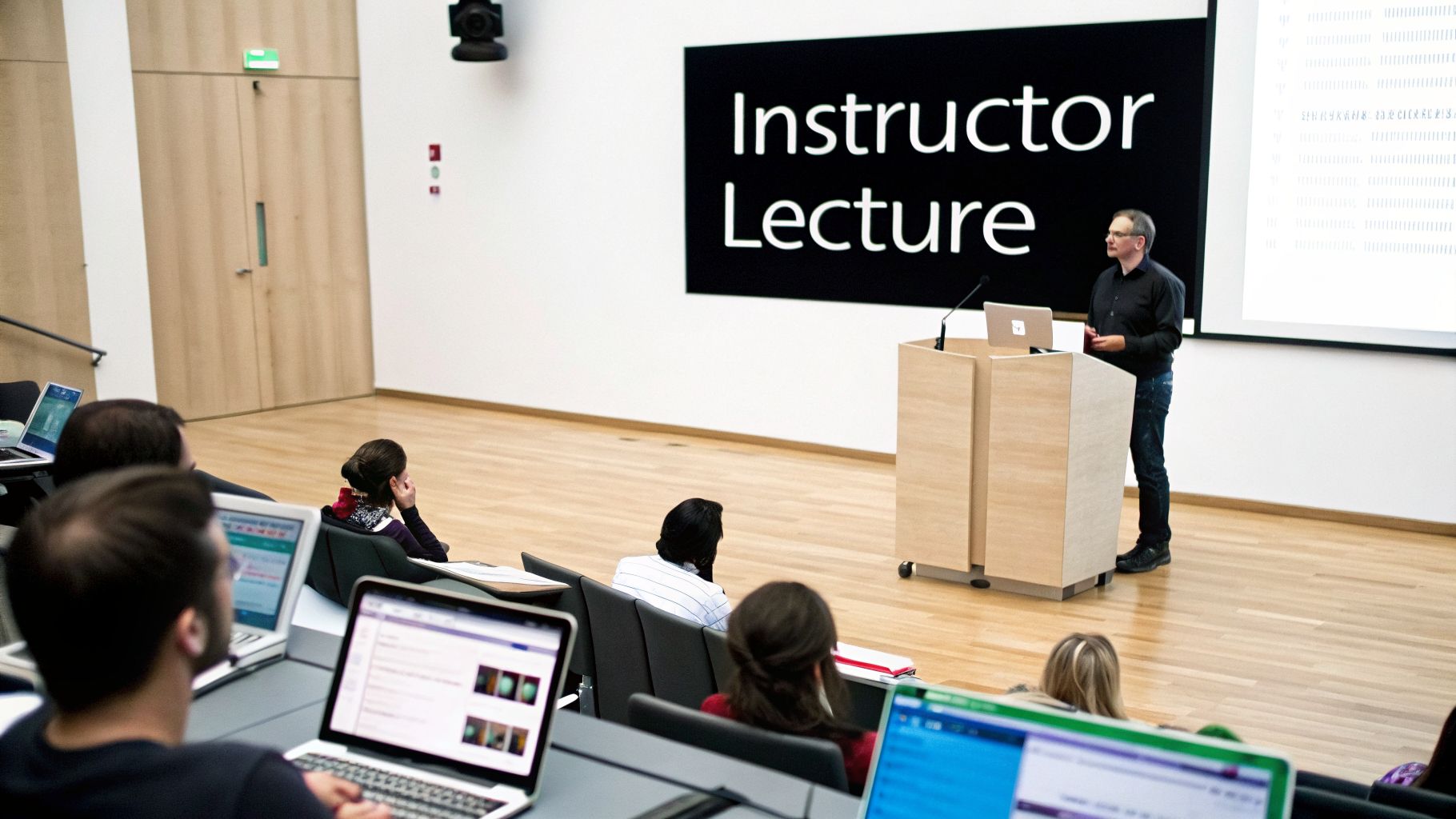
While effective for information transfer, this passive learning approach often benefits from modern adaptations to keep learners focused. For instance, in a self-paced online course, long video lectures can lead to disengagement.
Implementation in Your Online Course
To make lectures work online, think in terms of micro-lessons. For example, in a "Digital Marketing Basics" course, a module on "How Facebook Ads Work" would be pure lecture-style, with a clear explanation, supporting visuals, and a quiz.
- Create short, focused videos: Segment long presentations into focused 5-12 minute videos. Each video should explain one clear concept using simple slides and screen recordings.
- Enhance the experience: Use Mentor LMS's video hosting to embed lectures directly. Add features like transcripts, downloadable slides, and video chapter markers for easy navigation and review.
- Check for understanding: Place a quick multiple-choice quiz, created with Mentor’s exam system, after each video to check understanding.
- Encourage review: Students can significantly improve their study process by knowing how to record lectures for later reference, which is a useful skill to share.
2. Coaching-Style Teaching (Learner-Centered)
The coaching style moves the instructor from a "teller" to a "guide." Instead of delivering long lectures, the focus is on facilitating student application and skill-building through projects, feedback, and reflection. This hands-on, learner-centered approach is highly effective for turning knowledge into tangible competence. It is exceptionally well-suited for cohort-based courses where community and accountability thrive, but can also be integrated into self-paced programs to boost engagement.
This style consistently drives the highest completion rates. In one "Freelance Writing" program, a lecture-heavy version saw a 64% completion rate. When redesigned with more coaching elements—like projects, reflections, and application activities—the completion rate jumped to 89%. Learners stay more engaged when they are actively doing something.
Implementation in Your Online Course
To implement a coaching style, you must provide a short overview, then give learners a real-world project or worksheet. For instance, in a "Create Your First Ad Campaign" module, you would provide a 3-minute walkthrough video, then have learners build their own campaign and submit a screenshot or reflection for personalized feedback.
- Shift from "telling" to "guiding": Replace long videos with short overviews followed by real-world projects or worksheets.
- Create spaces for application: Use discussion prompts or submission boxes where students can share their work and receive personalized feedback.
- Host live feedback sessions: Use Zoom integration for weekly live Q&A sessions, creating a space for direct guidance and support.
- Encourage reflection: Prompt learners to reflect on their process and outcomes, solidifying their understanding and building confidence.
3. Socratic Method (Inquiry-Based Learning)
The Socratic Method is an ancient teaching approach where the educator guides students to discover knowledge through structured questioning rather than direct instruction. This inquiry-based model shifts the focus from memorization to critical thinking, as learners engage in dialogue with the instructor and peers to arrive at conclusions on their own. It is a powerful style for developing deep intellectual exploration and is frequently used in fields like law, philosophy, and medicine.
This student-centered approach is particularly effective for teaching complex problem-solving. Instead of providing answers, the instructor poses questions that challenge assumptions, expose contradictions, and encourage students to build their own understanding. For educators exploring dynamic approaches, a platform's dedicated Nea Coach feature can significantly enhance student engagement and skill development through personalized guidance.
Implementation in Your Online Course
To apply the Socratic Method online, you must create a space that fosters active dialogue and inquiry. For instance, in an "Ethical Leadership" course, instead of a video explaining ethical frameworks, you would present a complex scenario and ask: "What are the conflicting duties here, and how would you prioritize them?"
- Prompt with purpose: Design assignments and discussion prompts that ask "why" and "how" instead of "what." Center your course materials around challenging case studies or real-world problems.
- Facilitate dialogue: Use Mentor LMS's discussion forums as the primary hub for interaction. Create threaded discussions where students can debate scenarios and respond to each other’s reasoning.
- Host live inquiry: Schedule live Q&A sessions using the Zoom integration for synchronous dialogue. Use this time not to lecture, but to ask follow-up questions and guide the group's thinking process.
- Build a feedback loop: Enable the student reviews feature to create a peer feedback system. This encourages learners to analyze and critique each other's arguments, deepening their collective understanding.
4. Blended Learning (Hybrid Approach)
Blended learning is a powerful hybrid approach that merges online digital instruction with in-person or synchronous sessions. This combination offers students the best of both worlds: the flexibility of self-paced online modules and the rich interaction of live, scheduled events. It is one of the most adaptable types of teaching styles, proving highly effective for corporate training, university courses, and professional certifications.
This model allows instructors to use asynchronous content for foundational knowledge, freeing up valuable live time for deeper discussion, problem-solving, and personalized feedback. A university course might use it to deliver recorded lectures for students to watch on their own time, then use weekly live seminars for debate and group work.
Implementation in Your Online Course
For blended learning to succeed, the asynchronous and synchronous elements must feel connected, not separate. The online content should directly prepare learners for the live sessions, and the live sessions should build upon what was learned independently.
- Align content with live events: Use Mentor LMS’s drip content feature to release specific modules just before a scheduled live session. For example, release a module on "Creating a Content Calendar" a week before a live workshop where students will present their calendars for feedback.
- Integrate live sessions seamlessly: Instead of sending students to external links, embed your Zoom live classes directly into the course curriculum within Mentor LMS. This creates a unified and professional experience.
- Bridge the gap with activities: Use assignments as the connective tissue between online and live components. Have students complete a pre-session worksheet or post their questions in a discussion forum after watching a video.
- Schedule for engagement: Plan live Q&A sessions or "office hours" shortly before a major assignment is due to maximize attendance and provide timely support. To fully support your students, it's also important to understand the basics of what an LMS is and how it organizes these tools.
5. Experiential Learning (Learning by Doing)
Experiential learning is built on the philosophy that people learn best through direct, hands-on experience and reflection. This student-centered approach, significantly developed by David Kolb, moves beyond theory and places learners in real-world scenarios. Students engage with practical problems, developing skills and internalizing knowledge through a cycle of doing, observing, thinking, and experimenting. Among the different types of teaching styles, this is the most effective for building tangible, job-ready skills.
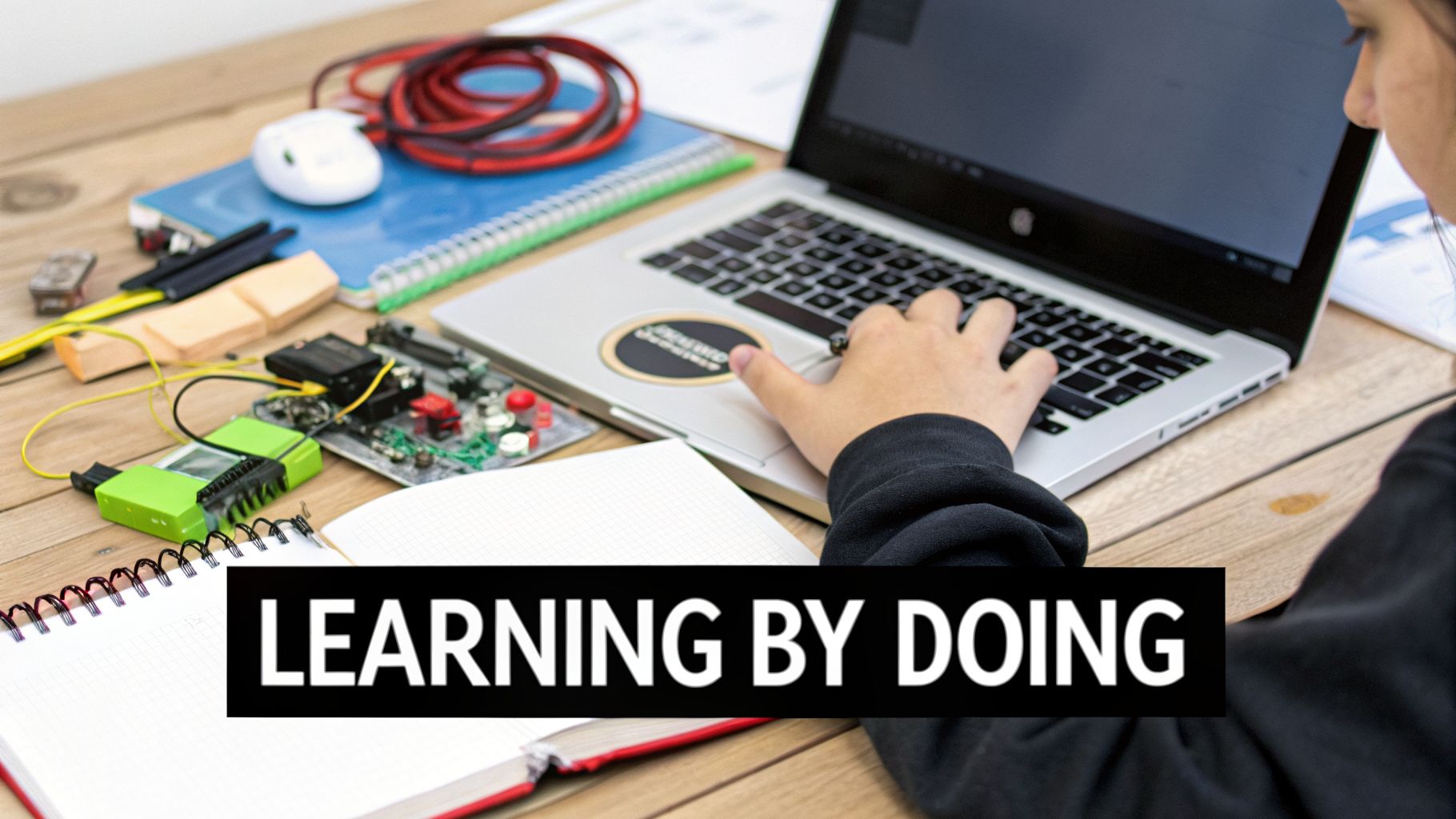
It is highly effective in contexts where application is key, such as coding bootcamps with project-based curricula or digital marketing courses where students manage live campaigns. This active method fosters deeper understanding and long-term retention because the learning is tied to personal experience and concrete outcomes.
Implementation in Your Online Course
To integrate experiential learning, you must shift from explaining concepts to creating opportunities for application. For example, in a "Photography Fundamentals" course, instead of just a video on aperture, you’d assign a project requiring students to shoot the same subject with different aperture settings and submit their best shots for review.
- Build progressive projects: Use the Mentor LMS assignment feature to create tiered projects. Start with a simple task and gradually increase complexity, allowing students to build skills incrementally.
- Show, don't just tell: Include short video walkthroughs demonstrating how to approach a project or showcasing successful examples from past students to set a clear benchmark.
- Foster peer feedback: Activate the peer review feature in Mentor LMS. This allows students to learn from each other, gain different perspectives, and develop critical feedback skills.
- Create a support system: Use discussion forums for each project. This provides a space for students to ask questions, troubleshoot issues, and share best practices, creating a collaborative learning environment.
6. Flipped Classroom Model
The Flipped Classroom Model inverts the standard educational sequence by moving direct instruction from the group learning space to the individual learning space. With this approach, students first engage with foundational content, such as recorded lectures or readings, on their own time. This prepares them to use synchronous class time for hands-on activities, problem-solving, and deeper discussions.
This is one of the most effective types of teaching styles for maximizing engagement during live sessions, as it ensures all learners arrive with a baseline level of knowledge. This model is popular in university STEM courses that pair pre-recorded lectures with in-person lab time and in corporate training where pre-work precedes a collaborative workshop.
Implementation in Your Online Course
A Flipped Classroom is ideal for cohort-based courses or programs with blended learning elements. It respects learners' time by reserving live interactions for high-value, collaborative work instead of passive listening.
- Release pre-work strategically: Use Mentor LMS’s drip content feature to release pre-class videos and readings on a set schedule, ensuring students have access exactly when needed.
- Keep pre-work concise: Create short 5-10 minute video lectures and follow them with low-stakes quizzes using the exam system. This confirms comprehension without causing fatigue.
- Monitor preparation: Enable completion tracking on pre-work modules to see which students are prepared for the live session and who may need a reminder.
- Clarify before class: Set up a discussion forum where students can ask questions about the pre-class materials, allowing you to address common misconceptions early. Understanding this is a core instructional design principle for successful learning.
7. Competency-Based Learning (Mastery Learning)
Competency-based learning shifts the focus from time spent in a course to the demonstration of specific skills. In this model, students advance only after proving they have mastered a defined competency or learning outcome. This approach personalizes the learning pace while maintaining rigorous standards, making it one of the most effective types of teaching styles for vocational and corporate training.
Unlike traditional models where everyone moves at the same pace, mastery learning allows faster learners to accelerate and gives others the time they need to succeed. It is ideal for programs where a specific, measurable skill is the end goal, such as in CompTIA IT certification programs or automotive technician training.
Implementation in Your Online Course
To apply this style, you must first define what "mastery" looks like for each module. In a "Mastery-Based Coding Bootcamp" course, a competency might be "Build a functional login form using HTML and CSS."
- Define clear competencies: For each module in Mentor LMS, clearly state the skill the learner must demonstrate. This sets a transparent goal from the start.
- Use exams for verification: Create a standalone exam with Mentor’s exam system that tests the specific competency. Allow multiple attempts so learners can try again until they achieve mastery.
- Guide learners based on results: Implement branching assignments. If a student passes the competency test, they move on. If they fail, direct them to supplementary materials or a discussion forum for support.
- Reward mastery: Automatically issue a certificate upon successful completion of a competency module. This provides a tangible sense of accomplishment and helps learners track their acquired skills.
8. Collaborative Learning (Peer-to-Peer)
Collaborative learning shifts the focus from instructor-to-student and places it on peer-to-peer interaction. This teaching approach centers on group work, shared problem-solving, and collective knowledge building. Students learn from and with each other through discussion, group projects, and peer review, which is a powerful dynamic among the different types of teaching styles for building teamwork and communication skills.
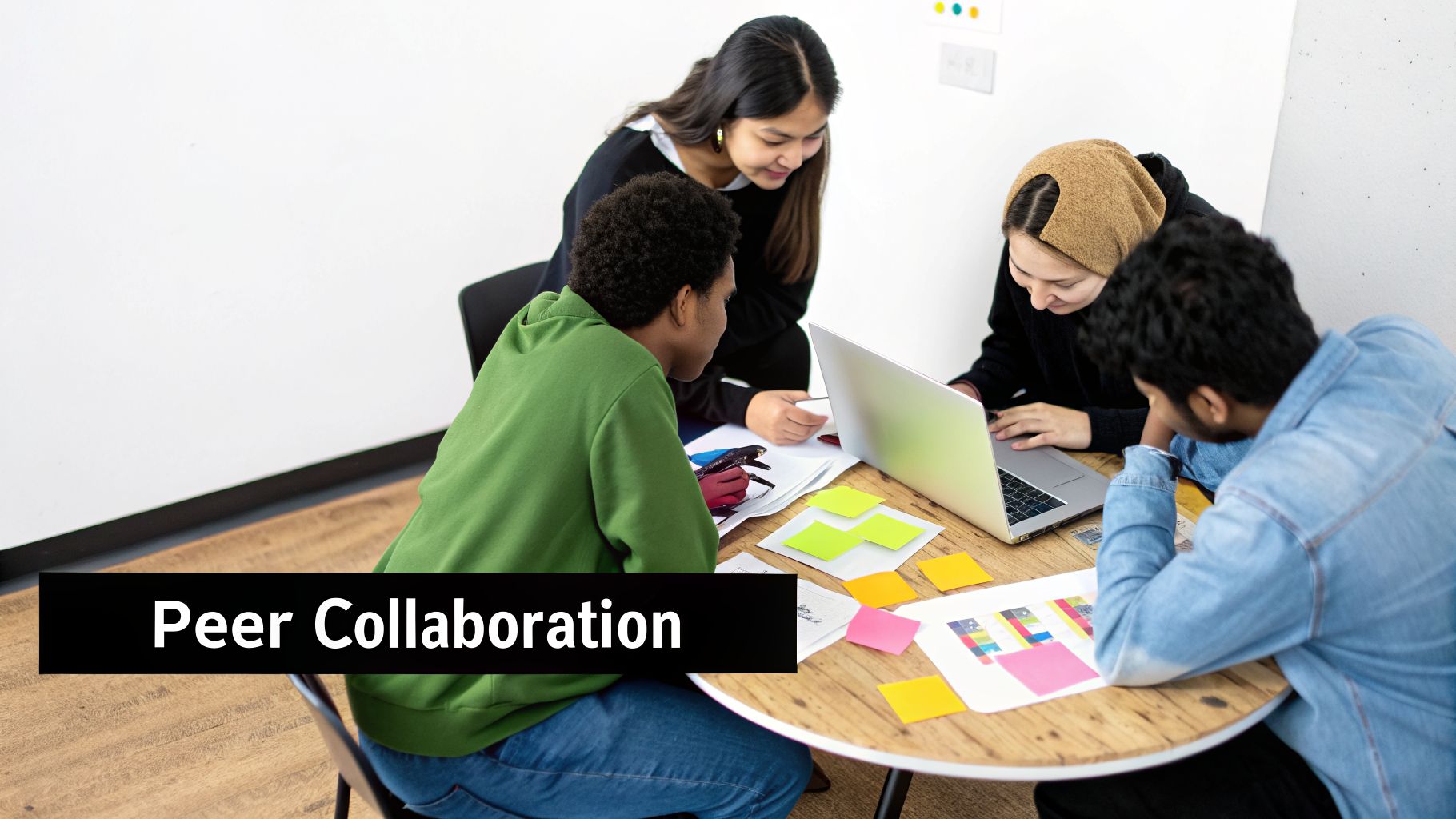
This method is particularly effective in cohort-based courses where social accountability and shared progress motivate learners. It’s also seen in MBA case study discussions and corporate team-based training simulations, where multiple perspectives enrich the learning experience for everyone involved.
Implementation in Your Online Course
To foster genuine collaboration online, you need to provide the right structure and tools. For a "Project Management" course, you could assign small groups to create a project plan for a fictional company.
- Organize groups: Use Mentor LMS's discussion forums to create dedicated, private spaces for each team to coordinate their efforts.
- Create group assignments: Set up an assignment that requires a single, collaborative submission from the group, encouraging them to work together on the final product.
- Facilitate peer review: Implement Mentor’s student review feature, allowing learners to provide constructive feedback on each other’s work based on a clear rubric.
- Schedule live work sessions: Use Zoom integration to schedule live classes with breakout rooms, giving groups dedicated time to work together with instructor supervision.
9. Personalized Learning (Adaptive Learning)
Personalized learning is a student-centered approach that adjusts the pace, content, and learning path to fit each learner's unique needs and performance. This adaptive model uses data and algorithms to suggest relevant resources and modify difficulty in real-time. It moves away from a one-size-fits-all curriculum, ensuring that the material is always relevant and challenging enough to keep learners engaged without overwhelming them. It's a powerful method among the different types of teaching styles for creating efficient and highly effective learning experiences.
This style is excellent for subjects with clear skill progressions, like math or language learning, where mastery of one concept is required before moving to the next. Platforms like Duolingo use this to present new vocabulary based on a user's past performance, ensuring they are always building on their existing knowledge.
Implementation in Your Online Course
To implement personalized learning, you need to create multiple pathways through your content. Think of it as a "choose your own adventure" for education. For example, in a "Financial Literacy" course, a student who aces the initial budgeting quiz can skip ahead to the investing module, while a student who struggles gets directed to supplementary materials on managing debt. For a deeper look at this model, explore this guide on creating a learner-centered strategy.
- Create content pathways: Use Mentor LMS’s drip content and prerequisite features to build branching logic. A student must pass Quiz A to unlock Module B, but if they fail, they are directed to a review video.
- Use assessments to guide: Design quizzes that not only test knowledge but also diagnose weaknesses. Based on results, you can automatically recommend specific videos, worksheets, or reading materials.
- Offer tiered resources: For each topic, prepare content at different levels of difficulty. Provide a basic explainer video for everyone, an advanced case study for high-achievers, and a remedial worksheet for those who need extra help.
- Monitor and intervene: Track student data in Mentor LMS to see where learners get stuck. This allows you to proactively reach out with personalized support or adjust the course path if multiple students face the same issue.
10. Project-Based Learning (PBL)
Project-Based Learning (PBL) is a dynamic approach where students gain knowledge and skills by working for an extended period to investigate and respond to an authentic, engaging, and complex question, problem, or challenge. Instead of learning concepts first and applying them later, students discover necessary information as they execute the project. This student-centered method is one of the most effective types of teaching styles for promoting deep learning, autonomy, and practical application.
PBL is excellent for courses where real-world skill-building is the primary goal. Examples include architecture programs where students complete capstone design projects, or entrepreneurship courses that require building an actual business plan from the ground up. The hands-on nature of the work builds both competence and confidence.
Implementation in Your Online Course
To make PBL successful in an online environment, you must provide clear structure and support. A complex project like "Build a Professional Portfolio Website" can be broken down into manageable phases.
- Structure the project: Use Mentor LMS to create a multi-stage assignment with clear phases, each with its own deadline. For instance, Stage 1: Define Your Brand, Stage 2: Create a Wireframe, Stage 3: Build the Homepage.
- Encourage collaboration: Set up dedicated discussion forums for project planning, Q&A, and peer feedback. This creates a support system where students can help each other overcome obstacles.
- Provide clear guidance: Create short video demonstrations of key project requirements or technical steps. A 5-minute walkthrough of a specific task is more helpful than a long, text-based document.
- Showcase final work: Use a showcase discussion forum or a dedicated section of the course to display completed projects. This not only celebrates student achievement but also provides inspiration for future learners.
11. Microlearning (Bite-Sized Learning)
Microlearning is a teaching approach that delivers educational content in small, highly-focused units. This style breaks down complex topics into bite-sized lessons, typically lasting two to five minutes, making it one of the most modern and effective types of teaching styles for busy professionals and mobile learners. The goal is to provide just-in-time knowledge that addresses a specific learning objective, which can be immediately applied. Its format is ideal for corporate compliance training, quick software tutorials, and skill refreshers.
This method respects the learner's limited time and attention by making education accessible and convenient. Think of mobile-first language apps like Duolingo or the quick skill-building courses on LinkedIn Learning, where progress is made in short, manageable bursts.
Implementation in Your Online Course
Microlearning is perfectly suited for self-paced courses where learners need flexibility. For instance, a "Project Management Fundamentals" course could be structured as a series of short videos, each explaining a single concept like "What is a Gantt Chart?" or "How to Run a Stand-up Meeting."
- Create short, targeted videos: Build your course around 2-5 minute video lessons, each answering one specific question or teaching one skill.
- Implement quick checks: Use Mentor LMS's exam system to place a one or two-question quiz immediately after each micro-lesson to confirm comprehension and boost retention.
- Release content over time: Use the drip content feature to release lessons daily or weekly. This turns the course into a manageable learning habit and uses spaced repetition to reinforce knowledge.
- Optimize for mobile: Ensure your videos and course layout are mobile-friendly, as many learners will access micro-content on their phones during a commute or break.
- Provide one-page summaries: Offer downloadable one-page PDFs or checklists alongside each video. These act as quick-reference job aids for learners to use after completing the lesson.
Side-by-Side Comparison of 11 Teaching Styles
| Method | Implementation Complexity 🔄 | Resource Requirements ⚡ | Expected Outcomes ⭐📊 | Ideal Use Cases 💡 | Key Advantages 📊 |
|---|---|---|---|---|---|
| Lecture-Based Teaching (Instructor-Centered) | Low — simple linear setup, pre-recordable | Low — video + LMS hosting | Good for content coverage; lower engagement/retention | Foundational courses, compliance, large cohorts | Scalable, efficient content delivery |
| Coaching-Style Teaching (Learner-Centered) | High — skilled feedback, project design | High — instructor time for personalized feedback | High engagement and skill application | Cohort-based courses, skill mastery programs | Drives highest completion rates and practical skills |
| Socratic Method (Inquiry-Based Learning) | High — skilled facilitation, live dialogue | Moderate — small cohorts, facilitator time | High critical thinking and deep understanding | Seminars, law/philosophy, advanced programs | Develops reasoning and analytical skills |
| Blended Learning (Hybrid Approach) | Moderate — coordinate online + live elements | Moderate — LMS + live tools + scheduling | Improved engagement and learning outcomes | Universities, corporate onboarding, certifications | Flexibility with structured touchpoints |
| Experiential Learning (Learning by Doing) | High — design hands-on activities and reflection | High — equipment, instructor mentoring, time | High skill acquisition and long-term retention | Bootcamps, vocational training, professional practice | Practical, job-ready skill development |
| Flipped Classroom Model | Moderate — create pre-work and active sessions | Moderate — pre-recorded content + live facilitation | Strong live-session engagement; better application | STEM courses, hybrid classrooms, corporate workshops | Maximizes value of synchronous time |
| Competency-Based Learning (Mastery Learning) | High — build assessments and mastery paths | High — assessment infra and frequent feedback | Ensures mastery; personalized pacing | Certifications, technical and vocational programs | Guarantees skill proficiency before advancement |
| Collaborative Learning (Peer-to-Peer) | Moderate — form and manage effective groups | Moderate — forums, group assignments, facilitation | Improved teamwork, engagement, diverse perspectives | Cohort-based programs, MBA, team training | Leverages peer expertise; builds soft skills |
| Personalized Learning (Adaptive Learning) | High — data-driven pathways and branching | High — analytics, adaptive tech, maintenance | Efficient individualized progress and retention | Large platforms, K-12 remediation, premium courses | Tailored pacing and content relevance |
| Project-Based Learning (PBL) | High — multi-stage projects and assessment design | High — mentorship, resources, real-world partners | Deep applied learning and portfolio outcomes | Capstones, entrepreneurship, creative disciplines | Authentic application and portfolio evidence |
| Microlearning (Bite-Sized Learning) | Low — produce many short focused units | Low–Moderate — short videos, quizzes, mobile | High completion for specific objectives; limited depth | Compliance refreshers, just-in-time training, mobile learners | Fast consumption, high completion, easy updates |
Building Your Perfect Blend: A Practical Summary
After exploring the diverse spectrum of teaching styles, from the directness of the Lecture-Based approach to the hands-on nature of Project-Based Learning, one truth becomes clear: the most effective instructors are not married to a single method. Instead, they act as skilled educational architects, selecting and combining the right types of teaching styles to build a dynamic and effective learning experience. The goal is no longer to just present information, but to create an environment that guides students toward genuine skill acquisition and measurable results.
A balanced mix is often best, but the ideal blend depends on your course format.
- For self-paced courses, lean toward Lecture-Style with light coaching. Short videos, quizzes, and occasional application tasks keep learners moving forward independently without feeling overwhelmed. Too many heavy projects can cause procrastination in a self-paced setting.
- For cohort-based courses, embrace the Coaching-Style. Live sessions, group discussions, peer feedback, and real projects shine when learners move together. The social accountability and instructor guidance make this style feel natural and motivating.
Real-World Impact: One instructor's data revealed a dramatic increase in course completion rates, jumping from 64% in a lecture-heavy course to 89% in a program that integrated more coaching-style projects and application activities. The reason is simple: students stick with what makes them feel competent and successful.
Adapting Your Style for Maximum Impact
Your initial course design is a starting point, not a rigid blueprint. The best educators remain agile, listening to student feedback and adapting their approach mid-course if necessary. In one "Social Media Marketing" cohort, engagement dropped after two weeks of foundational lectures. The instructor quickly adapted:
- Switched the remaining modules to a coaching-style.
- Replaced two lecture videos with practical challenges (e.g., "Build a 7-day content calendar for your niche").
- Added weekly live Q&A sessions for feedback.
The result? The projected completion rate soared from a concerning 55% to a successful 82%. This demonstrates that being responsive and willing to pivot your teaching style is not a sign of failure but a mark of an expert instructor committed to student outcomes. A well-chosen blend of the types of teaching styles discussed in this article is your toolkit for building courses that don't just teach, but truly connect.
Ready to build flexible, engaging, and effective online courses? Mentor LMS is designed with the adaptability you need, allowing you to seamlessly combine lecture videos, project submissions, quizzes, and community discussions. Explore how Mentor LMS provides the tools to implement any blend of teaching styles and create a superior learning experience for your students.