
Top 12 Similar Sites Like Coursera for Online Learning in 2026
 Mahmudul Hasan Rafi·
Coursera has set a high standard for online learning, offering university-backed courses, professional certificates, and full degrees. But the world of e-learning is massive, and what works for one person might not be the ideal fit for another. If you're looking for different pricing models, subject matter specializations, or simply a fresh learning experience, you've come to the right place. This guide dives deep into the best similar sites like Coursera, helping you find the perfect platform for your specific goals.
We've moved beyond surface-level summaries. For each alternative, you will find a detailed breakdown including key features, pricing structures, and honest pros and cons. We analyze who each platform is best for, whether you're a casual learner, a professional seeking to upskill, or a company training its team. Each entry includes screenshots and direct links to get you started immediately.
For those looking to not just learn but also teach, we'll touch upon self-hosted solutions like Mentor LMS, which allows you to build your own multi-instructor marketplace. Unlike hosted platforms, these give you full control over revenue and branding, letting you create a mini-Coursera of your own. If you're exploring the creator side, a great place to start is by reviewing some of the best platforms for selling online courses to understand the different business models available.
This article is your definitive resource for navigating the top Coursera alternatives. Let's find the platform that will help you achieve your educational and professional ambitions.
1. edX
Founded by Harvard and MIT, edX is one of the original and most prominent sites similar to Coursera, offering a massive open online course (MOOC) catalog with a strong academic backbone. It brings university-level education to a global audience, featuring everything from single courses to full-blown online Master's degrees from world-renowned institutions. This platform is a direct competitor and a top alternative for learners seeking verified credentials with real academic weight.
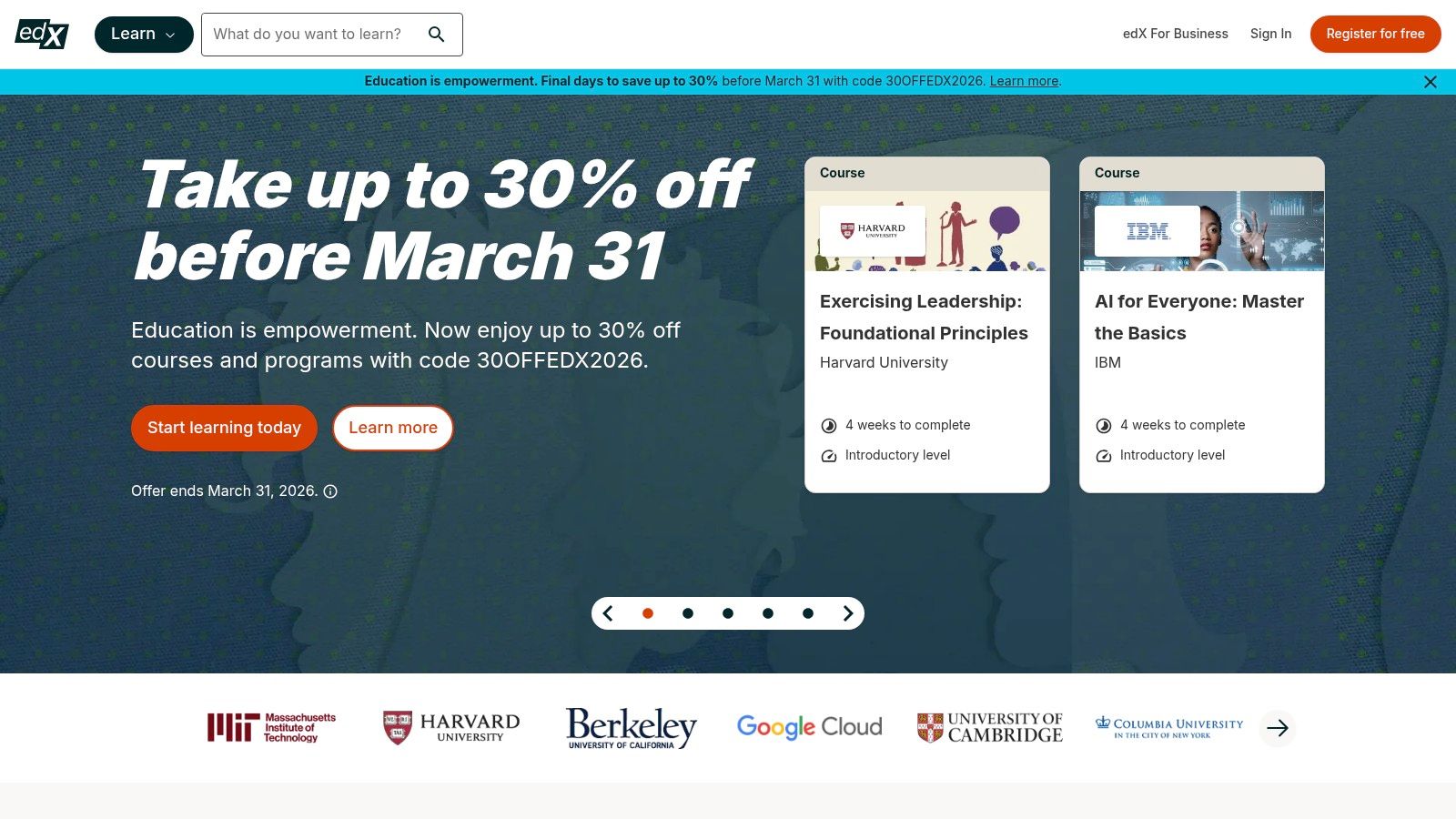
The primary distinction of edX lies in its MicroMasters and MicroBachelors programs, which are credit-eligible series of graduate or undergraduate-level courses. These act as a bridge to a full degree, allowing you to earn valuable credentials and potentially apply them for academic credit later on, saving both time and money. While many courses offer a free audit track, upgrading to the paid verified track unlocks graded assignments and an official certificate upon completion.
Key Features & Use Cases
- Best For: Learners seeking pathways to academic credit or degrees, professionals needing graduate-level skills without committing to a full degree program, and anyone wanting to audit university courses for free.
- Pricing Model: Most courses can be audited for free. The paid "Verified Track" (for certificates and graded work) ranges from $50 to $300+. MicroMasters and degree programs cost thousands of dollars.
- Financial Aid: edX offers financial assistance that can cover up to 90% of the verified track fee for eligible learners, making it accessible.
- Pros:
- Strong university partnerships (Harvard, MIT, Berkeley, etc.).
- Credit-bearing MicroMasters and MicroBachelors programs.
- Transparent and generous financial aid program.
- Cons:
- Full degree and professional programs can be expensive.
- The user experience and course policies can vary between partner universities.
When to Choose a Self-Hosted Platform Instead:
While edX is excellent for individual learners, it's a closed marketplace. If your goal is to create and sell your own courses or build a multi-instructor platform, edX is not the right tool. For that, you need a solution where you own the platform, control the branding, and set your own terms. This is where self-hosted solutions like WordPress plugins or standalone software come in. A dedicated learning management system gives you the tools to build your own online school. If you want to understand the foundational technology behind these platforms, you can find a good overview of what a learning management system is and how it works.
Website: https://www.edx.org
2. FutureLearn
Hailing from the UK, FutureLearn is a prominent MOOC platform that partners with leading universities and cultural institutions to provide a distinct learning experience. As another one of the top similar sites like Coursera, it offers a broad catalog of short courses, in-depth microcredentials, and structured ExpertTracks. Its approach emphasizes social learning and a clean, step-by-step course structure, making it a strong choice for those who appreciate a well-guided educational journey.
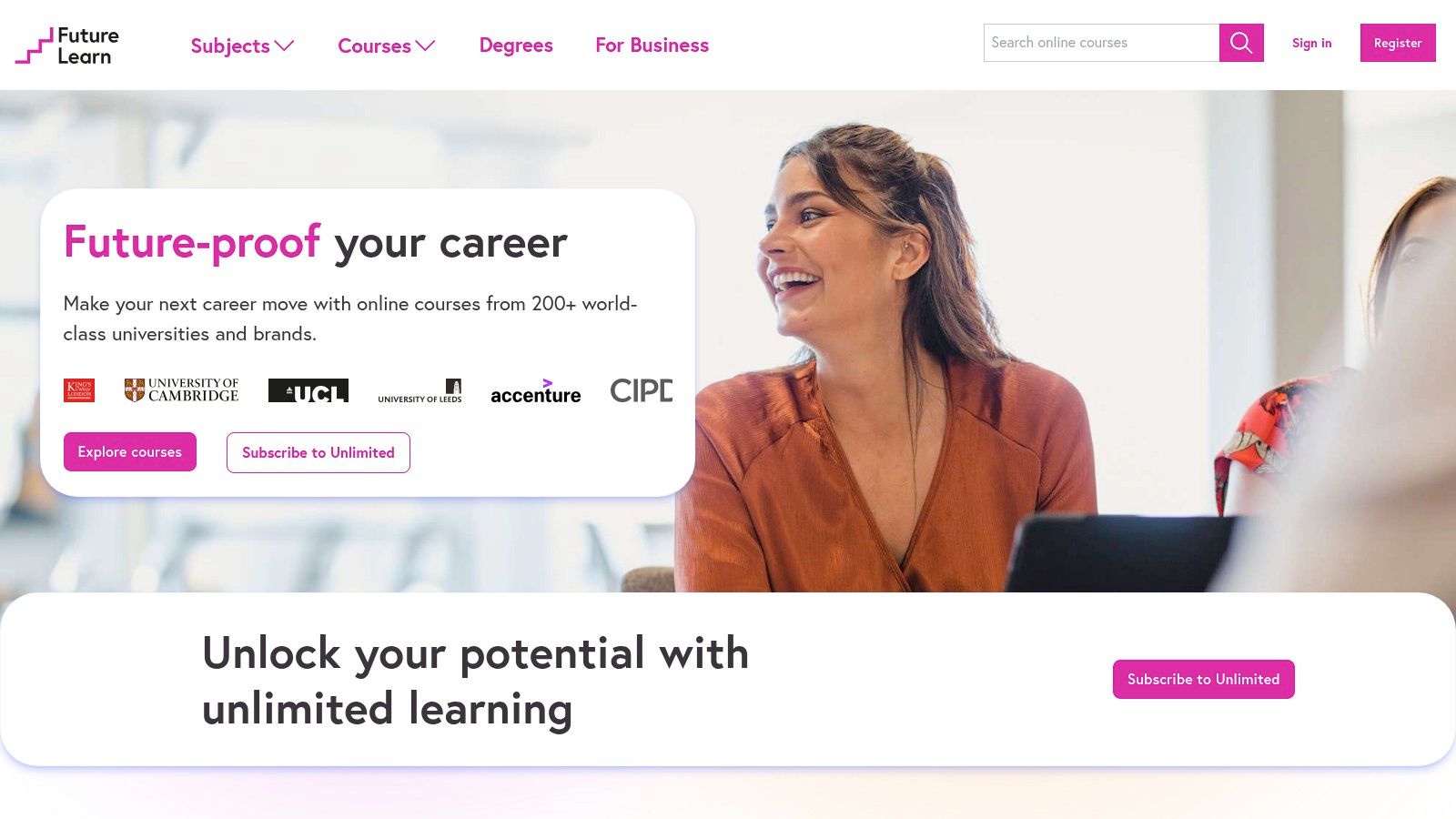
FutureLearn’s standout feature is its "Unlimited" subscription model, which grants learners extended access and digital certificates for a large portion of its short course catalog for a single monthly or annual fee. This contrasts with the per-course payment common on other sites. Many short courses also offer a free access period during their active run, allowing you to try the content before committing, although this free access is time-limited.
Key Features & Use Cases
- Best For: Learners who prefer a subscription-based model, those interested in content from UK and European institutions, and individuals looking for a social and structured short-course experience.
- Pricing Model: Many short courses offer free, time-limited access. Upgrades for a single course are available. The "Unlimited" subscription provides ongoing access and certificates for most short courses for a monthly or annual fee. Microcredentials and degrees are priced individually.
- Financial Aid: Does not have a formal financial aid program like edX, but the free access period and the value of the Unlimited plan serve as accessible options.
- Pros:
- Unique "Unlimited" subscription offers great value for avid learners.
- Clean, user-friendly interface with a focus on social interaction.
- Strong partnerships with respected international universities and organizations.
- Cons:
- Free access to courses is time-bound, which can feel restrictive.
- The "Unlimited" subscription does not include all premium content like microcredentials or online degrees.
When to Choose a Self-Hosted Platform Instead:
FutureLearn is a consumer-facing marketplace ideal for individual learning, not for creating and selling your own educational content. If you want to build your own online school, control your branding, and manage your own student community, a self-hosted platform is necessary. From my experience testing platforms that rival Coursera's scale, I found that tools like Mentor LMS offer built-in multi-instructor marketplace features, letting you create a "mini-FutureLearn" where you set the rules and commissions, giving you full ownership and scalability.
Website: https://www.futurelearn.com
3. Udacity
Where many similar sites like Coursera offer broad, academically-focused catalogs, Udacity carves out a niche by concentrating on job-ready tech skills. Its "Nanodegree" programs are co-created with industry giants like Google, Amazon, and Microsoft, ensuring the curriculum is directly aligned with current employer demands. The platform is built around project-based learning, where students build a portfolio of real-world work to showcase to potential employers.
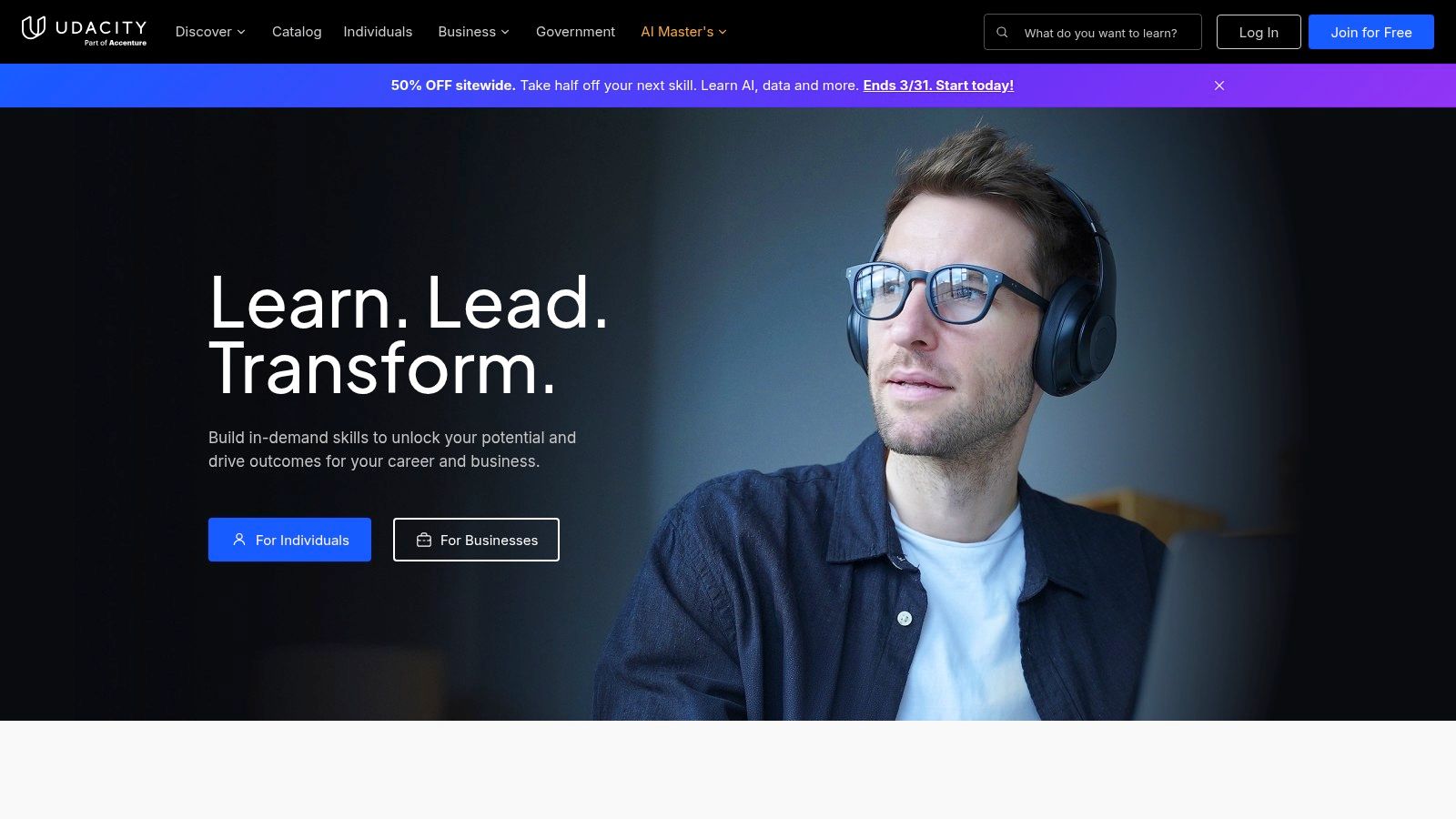
The defining feature of Udacity is its strong emphasis on practical application and career outcomes. Instead of just watching videos and taking quizzes, learners complete projects that are reviewed by human mentors who provide personalized feedback and code reviews. This hands-on approach, combined with dedicated career services, makes it a powerful choice for anyone looking to transition into or advance within the tech industry.
Key Features & Use Cases
- Best For: Aspiring developers, data scientists, AI specialists, and digital marketers who need a job-focused curriculum and a strong portfolio. It's ideal for career changers who want practical, project-based training.
- Pricing Model: Programs are primarily sold through a monthly subscription model, encouraging faster completion. Some Nanodegrees can also be purchased upfront for a fixed duration, often with a discount. Prices typically range from several hundred to a few thousand dollars per program.
- Financial Aid: Udacity periodically offers scholarships and has partnerships with organizations that sponsor learners, though it lacks a universal, application-based aid system like edX.
- Pros:
- Highly practical, project-based learning with mentor feedback.
- Content is co-developed with leading tech companies.
- Strong focus on career services and job placement.
- Cons:
- Significantly more expensive than most Coursera courses.
- The curriculum is narrowly focused on technology and data fields.
When to Choose a Self-Hosted Platform Instead:
Udacity is excellent for consuming specific, high-quality content, but it offers zero ability to create or sell your own courses. If your objective is to build an educational business, you need your own platform. For that, a self-hosted solution provides the necessary tools for course creation, instructor management, and sales. Understanding the core tenets of how to structure a course is a great first step, and you can explore more on that topic through a good instructional design principle guide to build effective learning experiences on your own site.
Website: https://www.udacity.com
4. Udemy
Udemy operates as a massive open marketplace, positioning itself as a more accessible and varied alternative to the academically focused structure of Coursera. With a gigantic catalog of over 250,000 self-paced courses, it covers a broad spectrum of topics, from professional development like coding and marketing to personal hobbies such as photography and music. This platform is ideal for learners who prefer a-la-carte learning, as you can purchase individual courses with lifetime access, often at a significant discount during frequent sales.
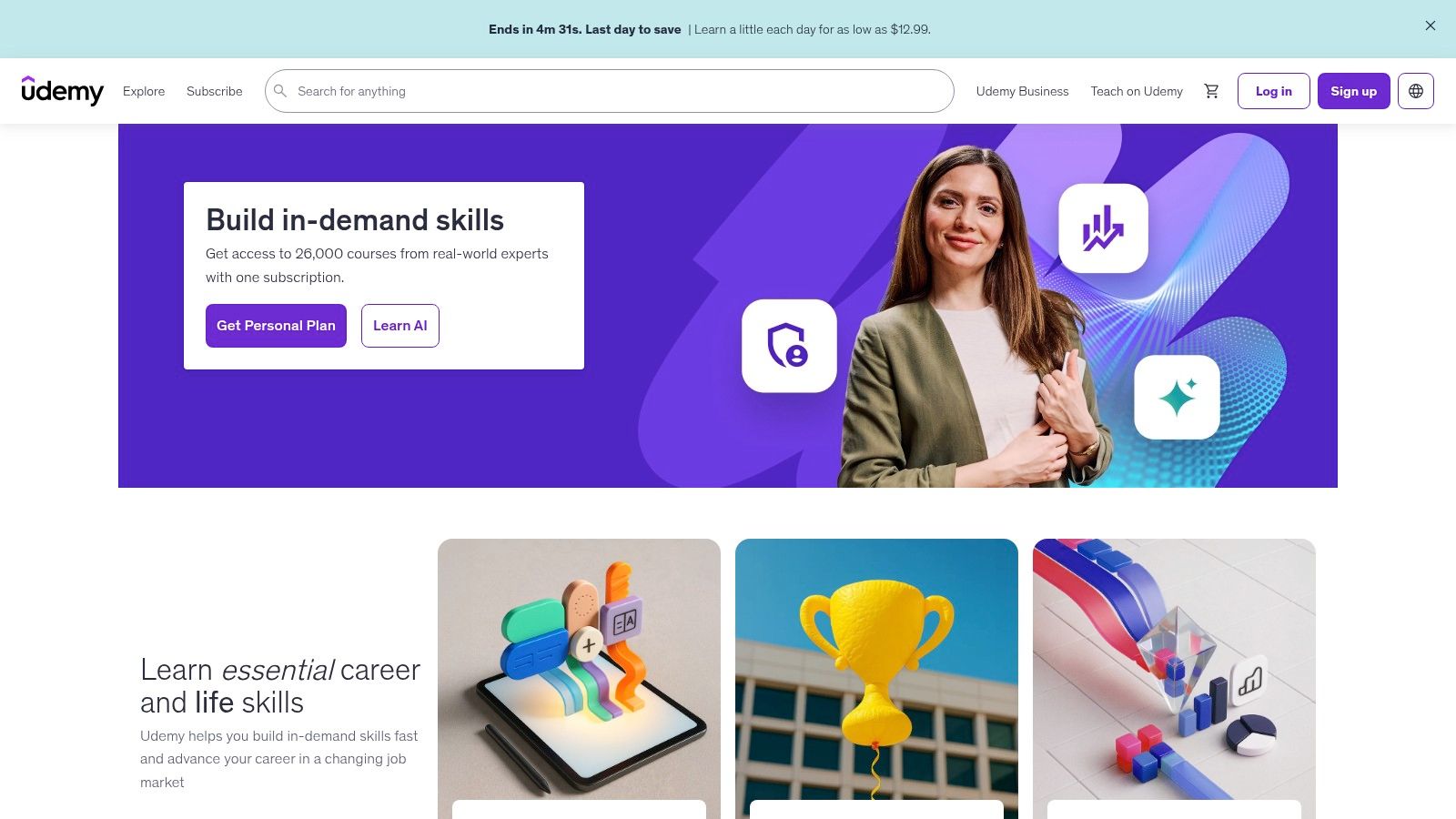
Unlike Coursera's university-backed credentials, Udemy's value is in practical, skills-based training created by industry experts and practitioners. While it offers a "Personal Plan" subscription for a curated selection of courses and a "Udemy Business" catalog for corporate teams, its core model remains the individual course purchase. This makes it a great choice for quick, targeted learning without the commitment of a monthly fee, making it one of the most flexible similar sites like Coursera.
Key Features & Use Cases
- Best For: Learners wanting to acquire specific, practical skills quickly, individuals on a budget seeking lifetime access to course materials, and companies needing a broad training library for employees.
- Pricing Model: Individual courses are sold with perpetual access, typically ranging from $10 to $200 (frequently on sale). The "Personal Plan" subscription offers access to a curated library for a monthly fee.
- Financial Aid: Udemy does not offer a formal financial aid program; instead, its business model relies on frequent promotions and deep discounts that make courses highly affordable.
- Pros:
- Massive variety of course topics covering almost any subject.
- Lifetime access on individual course purchases.
- Frequent sales make courses extremely budget-friendly.
- Cons:
- Course quality can be inconsistent; instructor vetting is crucial.
- The Personal Plan subscription does not include all courses in the marketplace.
When to Choose a Self-Hosted Platform Instead:
Udemy is a closed marketplace where you are one of thousands of instructors, with no control over branding or revenue share. If your goal is to build your own course brand and community, you need to own the platform. A self-hosted solution allows you to create your own multi-instructor site with full control. If you're interested in the technical side, you can learn how to build your own Udemy-like platform and set your own rules.
Website: https://www.udemy.com
5. LinkedIn Learning
Formerly Lynda.com, LinkedIn Learning is a dominant player in the professional development space. It’s a video-based e-learning platform tightly woven into the LinkedIn ecosystem, making it one of the most career-oriented sites similar to Coursera. Its strength lies in its vast library of short, practical courses focused on business, technology, and creative skills designed for immediate application in the workplace. This direct integration allows users to easily signal newly acquired skills on their professional profiles.
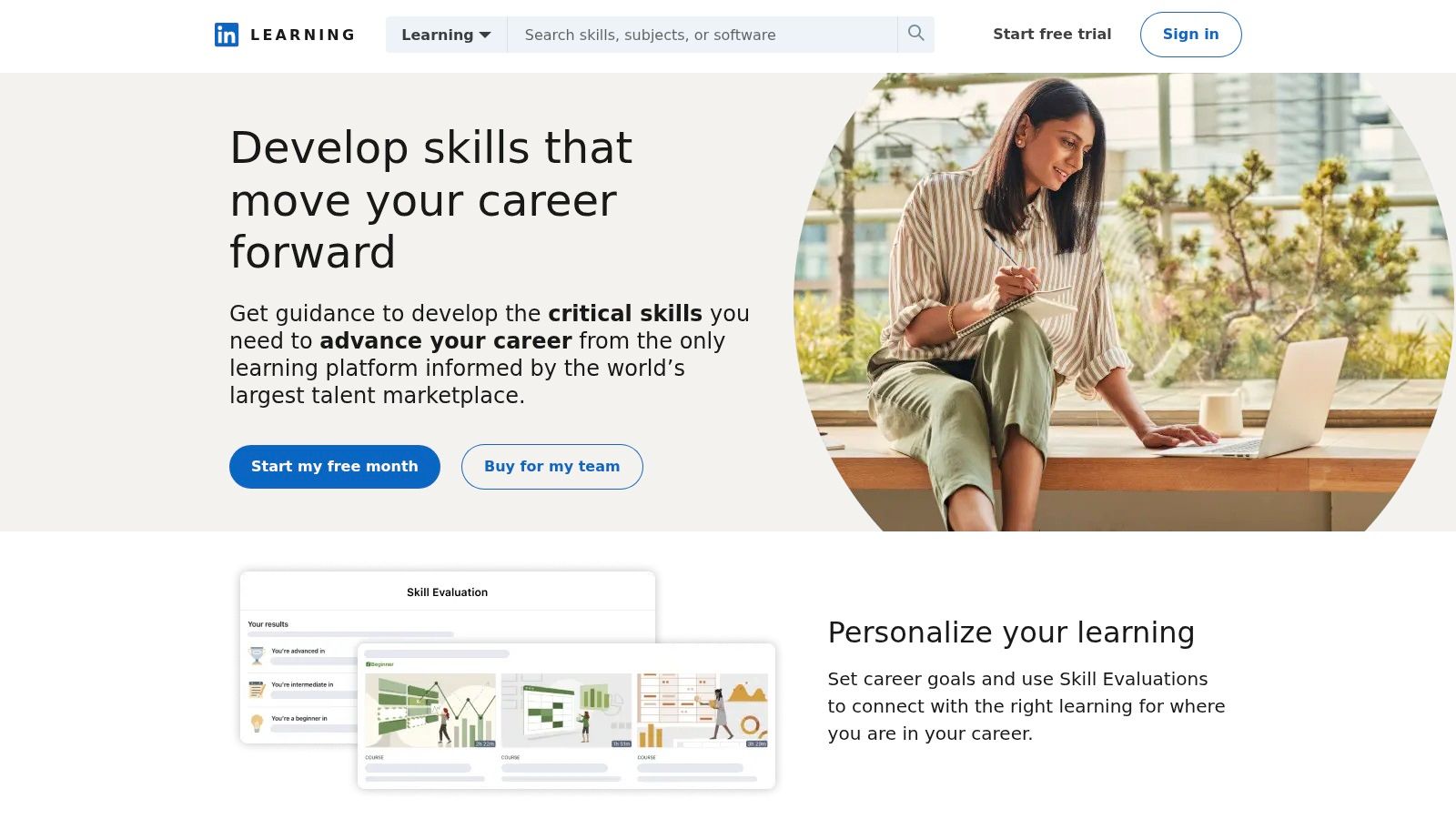
Unlike Coursera's academic focus, LinkedIn Learning is all about vocational upskilling and corporate training. Access is primarily bundled with a LinkedIn Premium subscription or through enterprise licenses, positioning it as a tool for both individuals looking to advance their careers and companies investing in their workforce. Upon finishing a course, you receive a certificate of completion that can be automatically added to your profile, providing a quick way to show employers your commitment to continuous learning.
Key Features & Use Cases
- Best For: Professionals seeking to upskill for their current job or next career move, corporate L&D departments needing a scalable training solution, and anyone wanting to add verifiable skills directly to their LinkedIn profile.
- Pricing Model: Access is included with a LinkedIn Premium subscription (starting around $29.99/month) or through corporate/team plans. Individual course purchases are not the primary model.
- Financial Aid: Does not offer a traditional financial aid program like edX or Coursera, as access is tied to a commercial subscription service.
- Pros:
- Seamless integration with LinkedIn for easy skills signaling.
- Excellent for enterprise-wide deployment and corporate training.
- Large library of high-quality, practical, job-focused courses.
- Cons:
- Individual access requires a full LinkedIn Premium subscription.
- Lacks the academic rigor and university-backed credentials of Coursera.
When to Choose a Self-Hosted Platform Instead:
LinkedIn Learning is a closed ecosystem for content consumption. If you want to create and sell your own courses, you have no control. For that, you need a self-hosted solution. I found that a platform like Mentor LMS gives you the tools to build a multi-instructor marketplace with full control over branding, revenue shares, and course content. Its built-in commission system lets you set revenue splits and automate payouts, creating a mini-Coursera experience that you own entirely.
Website: https://www.linkedin.com/learning
6. Pluralsight
For those in technology-focused roles, Pluralsight is one of the most direct and in-depth sites similar to Coursera, but with a sharp focus on software development, cloud computing, cybersecurity, and data science. It is a powerful platform built for professionals who need to master technical skills quickly and effectively. Its curriculum is designed around real-world job roles and the specific competencies required to excel in them, making it a go-to resource for developers and IT specialists.
Pluralsight's core advantage is its combination of expert-led video courses with hands-on learning tools. Its Skill IQ and Role IQ assessments allow you to measure your current abilities and identify knowledge gaps, creating a personalized learning path. The platform integrates interactive labs and sandboxes, letting you practice coding, configure cloud environments, and work with AI models in a live setting without leaving your browser. This practical approach solidifies learning in a way that passive video-watching cannot.
Key Features & Use Cases
- Best For: Software developers, IT operations staff, cybersecurity analysts, and data professionals looking to upskill or prepare for certifications. Also ideal for tech managers who need to track team-wide skill development.
- Pricing Model: Offers individual and business plans. The Standard individual plan is around $29/month for core course access, while the Premium plan (around $45/month) adds labs, sandboxes, and certification prep.
- Financial Aid: Does not offer a formal financial aid program like edX, but occasionally provides free weekends or limited-time access to parts of its library.
- Pros:
- Excellent depth for developers and cloud/security professionals.
- Strong hands-on labs and practical skill assessments.
- Clear, role-based learning paths for specific careers.
- Cons:
- Niche focus on tech roles; limited humanities or general business breadth.
- Best features like labs and sandboxes are behind higher-tier plans.
When to Choose a Self-Hosted Platform Instead:
Pluralsight is a closed subscription service for consuming technical content. If your objective is to build and sell your own specialized tech courses or create a multi-instructor training hub, it is not the right tool. For that, you need a solution where you own the brand, content, and revenue. A self-hosted platform like Mentor LMS lets you create your own "Pluralsight" with full control, including setting up an instructor marketplace with customizable revenue-share models.
Website: https://www.pluralsight.com
7. Codecademy
For those looking to build technical skills from the ground up, Codecademy is one of the most effective sites similar to Coursera, but with a narrow focus on coding and data science. Its core strength lies in its interactive, hands-on learning environment. Instead of just watching video lectures, you write, test, and run code directly in your browser, receiving instant feedback that makes learning practical and engaging. This "learn by doing" approach is ideal for beginners who want to build muscle memory and confidence.
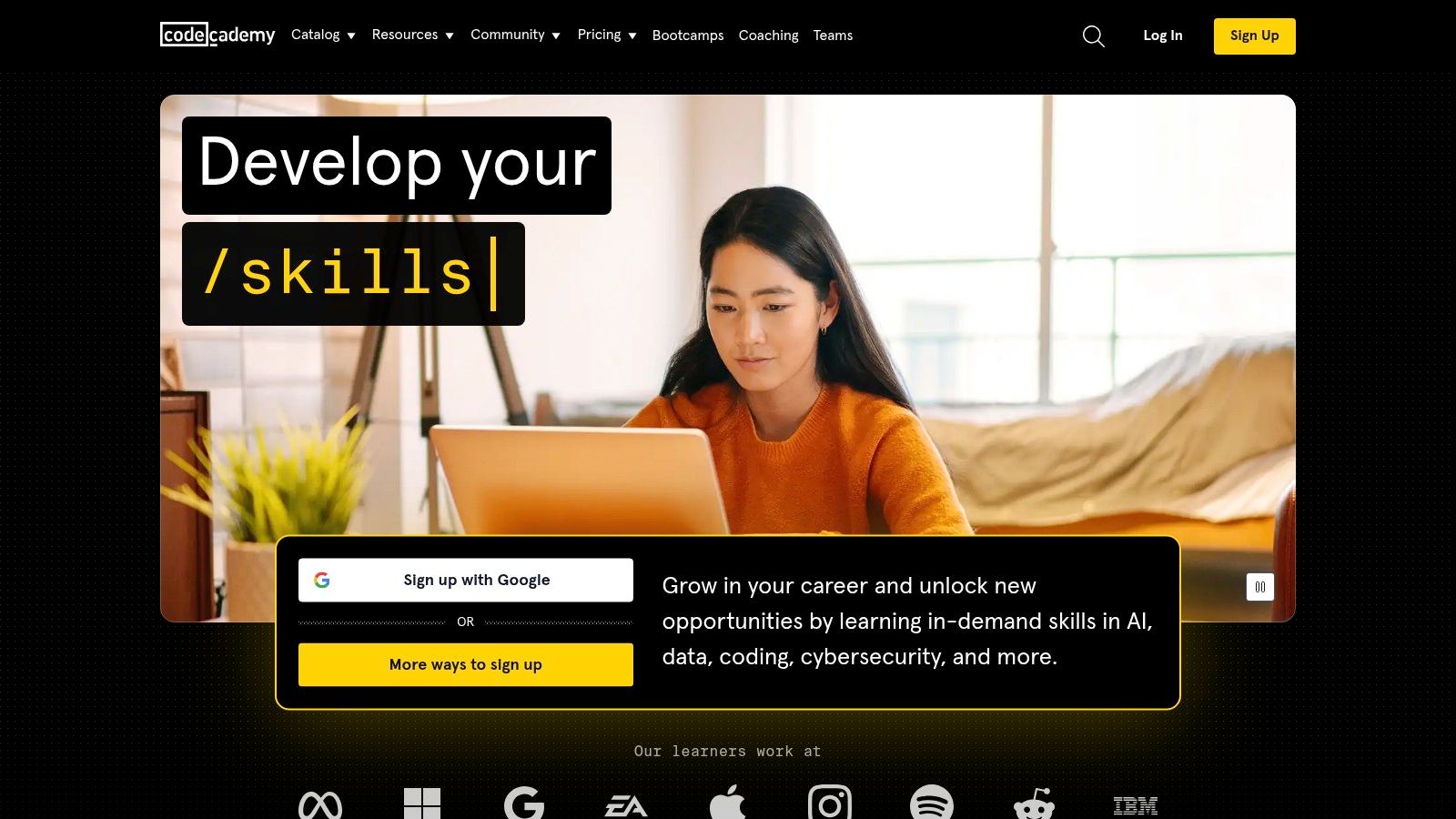
The platform distinguishes itself with structured Career and Skill Paths. These curated roadmaps guide you through a sequence of courses, quizzes, and portfolio-worthy projects designed to prepare you for specific job roles like "Front-End Engineer" or "Data Scientist." While a basic tier offers free access to many introductory lessons, the real value comes from the paid subscriptions, which unlock the full paths, portfolio projects, and certificates of completion to validate your new skills.
Key Features & Use Cases
- Best For: Absolute beginners in coding, aspiring developers, and data analysts who want a structured, interactive path to job-readiness with practical projects.
- Pricing Model: Offers a free Basic tier. Paid plans like Plus and Pro unlock full course content, career paths, and certificates, with subscriptions billed monthly or annually.
- Financial Aid: Student discounts are available, but there is no broad financial aid program for its subscriptions like on edX or Coursera.
- Pros:
- Highly interactive, in-browser coding environment.
- Clear, job-focused career paths with portfolio-building projects.
- Strong for beginners who need a guided, step-by-step approach.
- Cons:
- Most advanced content and all career paths are behind a paywall.
- Primarily focused on coding and data; limited topics outside of tech.
When to Choose a Self-Hosted Platform Instead:
Codecademy is excellent for learning to code, but you can't use it to sell your own tech courses. If your goal is to create a multi-instructor marketplace for coding tutorials or build a branded online school, you need your own platform. A self-hosted solution like Mentor LMS gives you the power to build a mini-Coursera or Udemy, complete with instructor profiles, automated revenue sharing, and full control over your brand and content. It's built for those who want to teach, not just learn.
Website: https://www.codecademy.com
8. DataCamp
For learners focused specifically on data science, AI, and analytics, DataCamp is one of the most practical and focused sites similar to Coursera. It moves away from general academic subjects to provide a highly interactive, hands-on learning environment for mastering Python, R, SQL, and business intelligence tools. The platform is built around the philosophy of "learning by doing," embedding short instructional videos with immediate in-browser coding exercises. This approach is ideal for building applicable skills quickly.
DataCamp’s key differentiator is its browser-based IDE (Integrated Development Environment), which requires no setup and allows you to start coding instantly. This removes a common barrier to entry for aspiring data professionals. While it offers some free introductory courses, the full value is unlocked in its Premium subscription, which includes a vast library of courses, career tracks, skill tracks, and industry-recognized certifications, making it a complete upskilling ecosystem for data careers.
Key Features & Use Cases
- Best For: Aspiring data scientists, analysts, and engineers; professionals needing to upskill in Python, R, SQL, or BI tools like Power BI and Tableau; learners who prefer hands-on, interactive exercises over passive lectures.
- Pricing Model: Offers a free basic plan with limited access to introductory course chapters. The Premium plan (paid annually or monthly) unlocks all 650+ courses, projects, and certifications. Discounts are available for students, and they offer Teams/Enterprise plans for businesses.
- Financial Aid: Does not offer a traditional financial aid program but frequently runs promotions and provides significant student discounts.
- Pros:
- Highly practical, hands-on learning with in-browser coding exercises.
- Includes recognized certifications with its Premium subscription.
- Tightly focused curriculum for building job-ready data skills.
- Cons:
- Narrow topic scope compared to broad platforms like Coursera.
- The most valuable content, including projects and full courses, is behind a paywall.
When to Choose a Self-Hosted Platform Instead:
DataCamp is a superb choice for individual skill acquisition, but it operates as a closed marketplace where you are the student, not the creator. If your vision is to build your own educational business, create and sell data science courses, or establish a multi-instructor training platform, you need a solution you own. This is where a self-hosted learning management system becomes essential. For instance, a platform like Mentor LMS offers built-in multi-instructor marketplace features, letting you set up your own specialized training site where you control the content, branding, and revenue.
Website: https://www.datacamp.com
9. Khan Academy
As a globally recognized nonprofit, Khan Academy offers a completely different, but equally valuable, alternative to Coursera. It focuses on providing a world-class education for anyone, anywhere, completely for free. Its vast library covers foundational knowledge from kindergarten through early college, with a heavy emphasis on math, science, humanities, and test preparation. This makes it one of the best similar sites like Coursera for filling knowledge gaps or mastering core academic subjects before tackling university-level material.
The platform is renowned for its mastery learning system. Instead of just watching videos, learners engage with practice exercises and quizzes that adapt to their skill level. This approach ensures you truly understand a concept before moving on. While it doesn't offer professional certificates or degrees like Coursera, its commitment to accessible, high-quality education makes it an essential resource for learners of all ages.
Key Features & Use Cases
- Best For: K-12 students, parents and teachers, lifelong learners needing to brush up on foundational subjects, and anyone preparing for standardized tests like the SAT or LSAT.
- Pricing Model: 100% free for all core learning content. There are no fees for learners, parents, or teachers. The organization is funded by donations and grants.
- Financial Aid: Not applicable, as the entire core platform is free to use.
- Pros:
- Completely free with no hidden costs for independent learners.
- Strong emphasis on practice exercises and mastery learning.
- High-quality, easy-to-understand content for foundational topics.
- Cons:
- Not focused on university certificates or professional credentials.
- Content is primarily geared toward K-12 and early college levels.
When to Choose a Self-Hosted Platform Instead:
Khan Academy is a fantastic resource for free learning, but it's a closed, non-commercial ecosystem. If your objective is to build a business by selling your own courses or creating a multi-instructor marketplace, it is not the right tool. For that, you need a solution where you own the platform and control the revenue. This is where a self-hosted LMS shines, giving you the tools to launch a branded online school. If you want to understand the foundational technology behind these platforms, you can find a good overview of what a learning management system is and how it operates.
Website: https://www.khanacademy.org
10. Saylor Academy
Saylor Academy is a nonprofit organization that stands out as a unique alternative to Coursera by offering free college-level courses built entirely on open educational resources (OER). Its core mission is to make education accessible to everyone, providing a library of self-paced courses that come with free verifiable certificates. This platform is a powerful tool for learners who need flexible, cost-free education with pathways toward actual college credit.
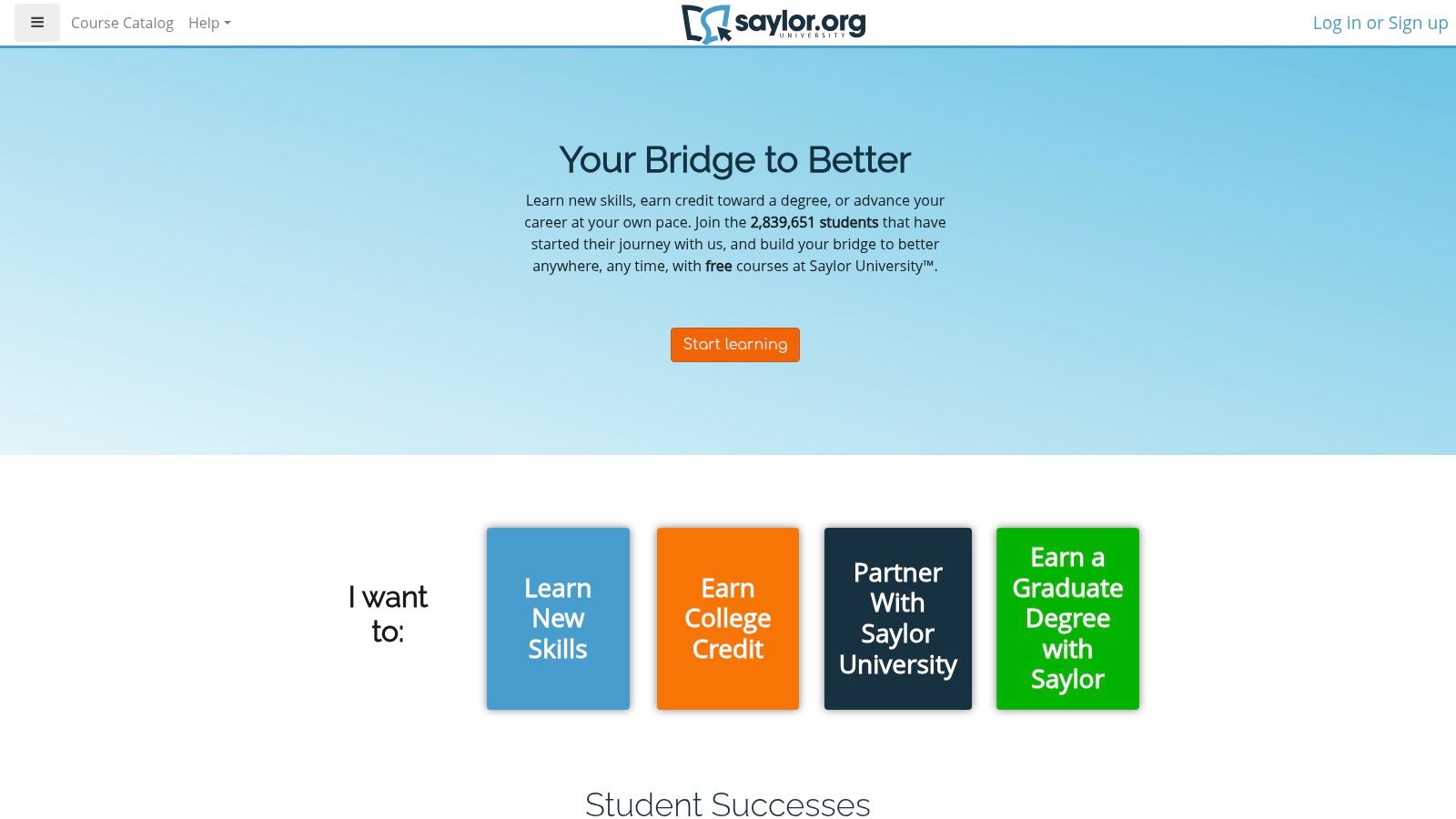
The key differentiator for Saylor Academy is its direct credit pathway. Many of its courses are recommended for credit by the American Council on Education (ACE). By passing a proctored final exam for a small fee, you can earn transcripts that may be accepted for transfer credit at partner colleges and universities. This makes it one of the most direct and affordable similar sites like Coursera for learners aiming to reduce the cost of a college degree.
Key Features & Use Cases
- Best For: Self-motivated learners on a strict budget, students looking to earn affordable college credits to transfer, and anyone needing foundational knowledge in subjects like business, computer science, and humanities.
- Pricing Model: All courses and digital certificates are 100% free. Optional proctored exams for college credit start at just $5 per exam attempt.
- Financial Aid: The platform is already free, so traditional financial aid is not necessary for coursework. The minimal exam fees make credit options highly accessible.
- Pros:
- Completely free courses and verifiable certificates.
- ACE-recommended courses offer a direct, low-cost path to college credit.
- Curriculum is built from credible open educational resources.
- Cons:
- The course catalog is much smaller than platforms like Coursera or edX.
- No live instructor interaction, cohorts, or community forums.
When to Choose a Self-Hosted Platform Instead:
Saylor Academy provides free, pre-built courses but offers zero control over content creation or platform branding. If you want to build and sell your own courses, you need a self-hosted solution. For instance, Mentor LMS is a platform builder software that lets you create a multi-instructor marketplace, set your own commission rates, and maintain full ownership. This is the path for entrepreneurs who want to build their own educational brand, not just consume content from another.
Website: https://www.saylor.org
11. OpenLearn (The Open University)
As the free learning arm of The Open University, a UK-based pioneer in distance education, OpenLearn offers a massive library of academic materials at no cost. It serves as an excellent entry point into university-level study and is a strong Coursera alternative for learners who prioritize access over formal certification. The content is directly produced by the university, ensuring a high standard of academic quality and providing a taste of what a formal degree program might entail.
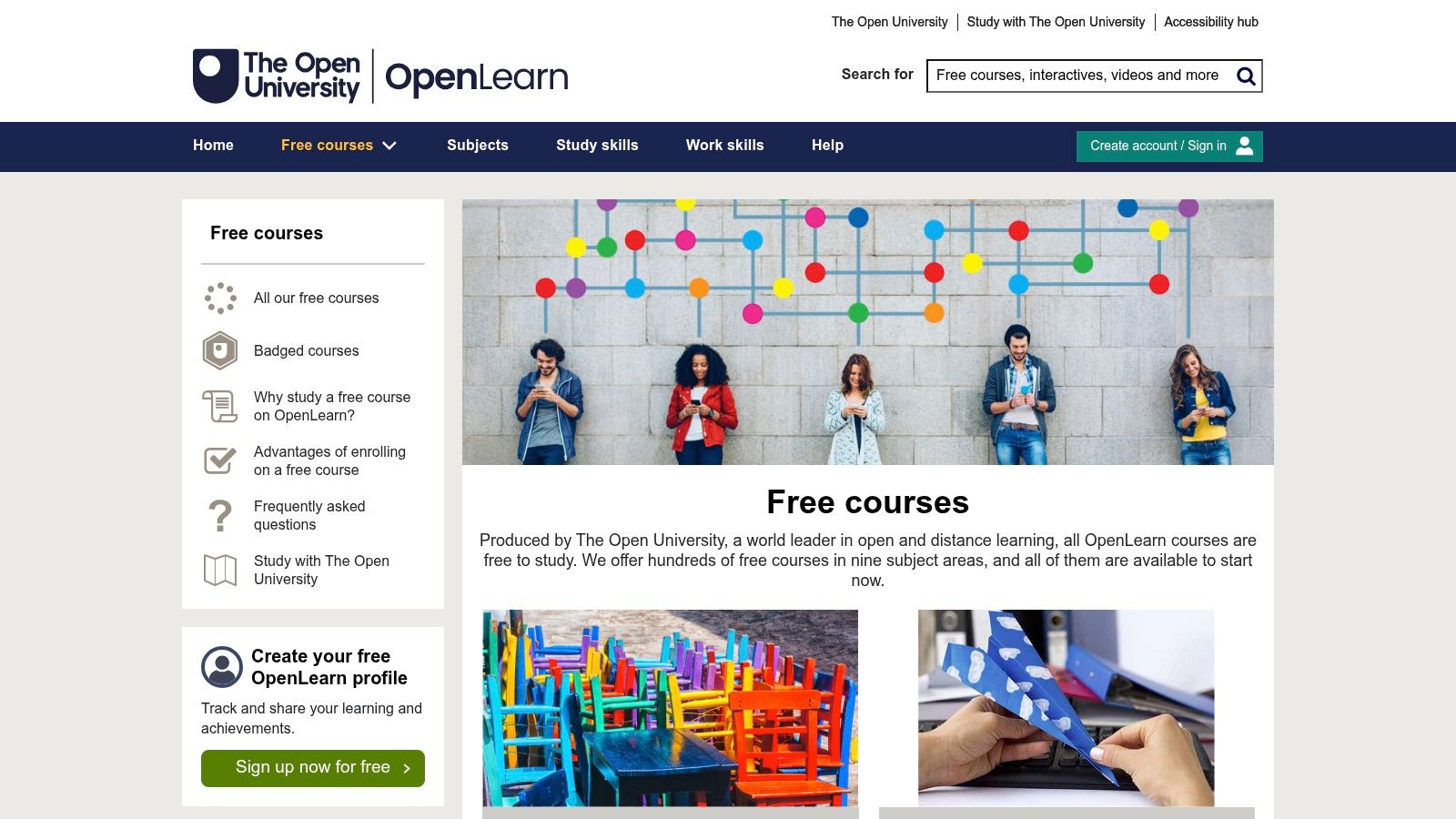
What makes OpenLearn distinct is its commitment to being completely free. While Coursera's free audit tracks often have limitations, OpenLearn provides full access to course materials, activities, and often a free Statement of Participation or a digital badge upon completion. This makes it an ideal resource for supplemental learning, exploring new subjects without financial risk, or building foundational knowledge before committing to a paid course elsewhere. The platform is entirely self-paced, with no deadlines or start dates.
Key Features & Use Cases
- Best For: Individuals looking for free, high-quality university content for personal development, students needing supplemental materials for their studies, and anyone exploring subjects before committing to a degree.
- Pricing Model: 100% free. There are no charges for courses, materials, statements of participation, or digital badges offered on the platform.
- Financial Aid: Not applicable, as all content is provided free of charge to everyone.
- Pros:
- Completely free access to nearly 1,000 university-produced courses.
- Digital badges and statements of participation are available at no cost.
- Excellent for foundational and exploratory learning without pressure.
- Cons:
- No formal university credit can be earned directly through OpenLearn courses.
- Assessments are less rigorous compared to paid, credit-bearing programs.
When to Choose a Self-Hosted Platform Instead:
OpenLearn is a fantastic resource for individual consumption, but it's a closed content library. You cannot use it to host or sell your own educational material. If your objective is to build an educational business or a multi-instructor marketplace, you need a self-hosted platform. With a system like Mentor LMS, you gain the ability to create instructor profiles, set custom revenue-share models, and build a branded learning experience that you fully control, much like a mini-Coursera but on your own terms.
Website: https://www.open.edu/openlearn/free-courses
12. GetSmarter (2U/edX brand)
Acquired by 2U, which later merged with edX, GetSmarter operates as a premium brand focused on high-touch, cohort-based online short courses. It partners with top-tier universities like Stanford, MIT, and Yale to deliver executive and professional education. This platform is one of the key similar sites like Coursera for learners who want a structured, deadline-driven experience with significant personal support, moving away from the self-paced MOOC model.
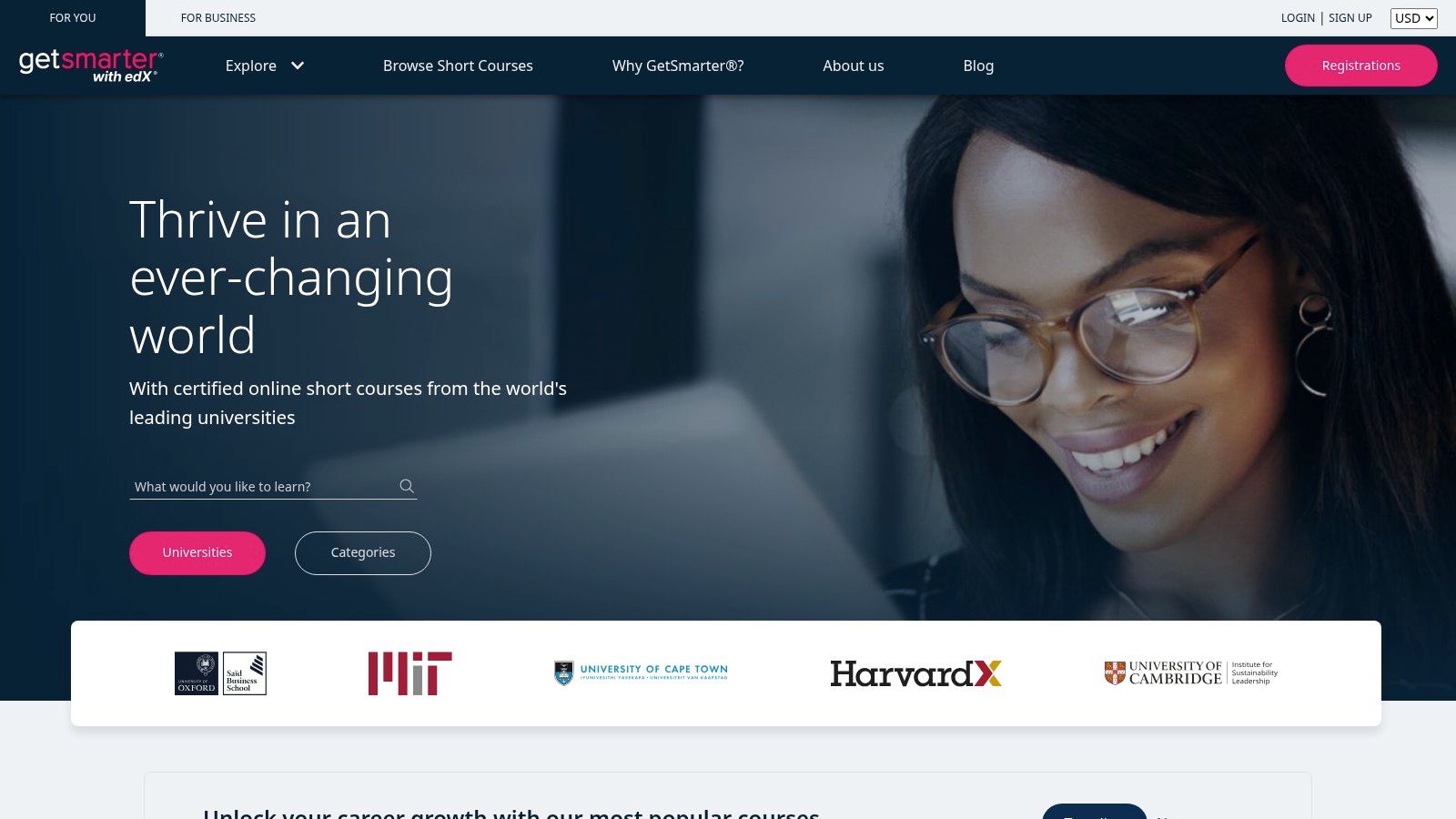
The defining feature of GetSmarter is its human-centric, small private class (SPOC) approach. Each course has a dedicated Success Manager to guide you, strict weekly deadlines to maintain momentum, and a cohort of peers to facilitate group learning and networking. The courses are designed for working professionals seeking specific, applicable skills and a prestigious university certificate without the time commitment or cost of a full degree.
Key Features & Use Cases
- Best For: Professionals and executives needing to upskill with a recognized university certificate, learners who thrive in a structured environment with deadlines, and individuals seeking personalized support and peer networking.
- Pricing Model: Premium pricing. Short courses typically cost between $2,000 and $4,000+. Installment plans are often available to make payment more manageable.
- Financial Aid: Does not offer traditional financial aid like edX, but provides flexible payment options and occasional promotions.
- Pros:
- Highly structured, outcomes-oriented courses from elite universities.
- Dedicated human support and strong peer collaboration.
- Recognized branding for executive education credentials.
- Cons:
- Significantly higher price points than typical MOOCs.
- Most courses do not carry formal academic credit.
- Less flexibility due to fixed start dates and weekly deadlines.
When to Choose a Self-Hosted Platform Instead:
GetSmarter is an excellent choice for a premium learning experience, but it’s a closed platform you cannot customize or sell on. If your goal is to create and sell your own high-touch, cohort-based courses, you need a self-hosted solution. With a dedicated platform builder, you can replicate GetSmarter’s structured model, control the branding, and keep all the revenue. For instance, Mentor LMS allows you to build a multi-instructor marketplace with full control over revenue splits and course structure, giving you the tools to create your own premium online school.
Website: https://www.getsmarter.com
Top 12 Coursera Alternatives: Features & Pricing
| Platform | Core features ✨ | Quality & standout ★ 🏆 | Target audience 👥 | Pricing & value 💰 |
|---|---|---|---|---|
| edX | University-backed courses, MicroMasters/degrees, audit track, verified certs | ★★★★☆ 🏆 University credit options & academic credibility | Learners seeking university credentials & professional upskilling | 💰 Free audit; paid certs/programs; financial aid available |
| FutureLearn | Short courses, microcredentials, ExpertTracks, cohort runs | ★★★★☆ 🏆 Structured short-course experience from UK/global partners | Short-course learners, lifelong learners, pros | 💰 Free course runs; Unlimited subscription (monthly/annual); not all courses included |
| Udacity | Nanodegrees, real-world projects, mentor feedback, career services | ★★★★☆ 🏆 Project-based, career-aligned learning | Career changers, tech/data professionals | 💰 Subscription/monthly (some one-time); premium pricing for career services |
| Udemy | Massive marketplace, buy-per-course (lifetime), Personal Plan, Udemy Business | ★★★☆☆ 🏆 Huge catalog and frequent deals (quality varies) | Hobbyists, professionals seeking specific skills | 💰 Low-cost sales; pay-per-course lifetime access; optional Personal Plan |
| LinkedIn Learning | Career-focused video library, LinkedIn integration, enterprise rollout | ★★★★☆ 🏆 Seamless LinkedIn skill signaling & enterprise L&D | Professionals, corporate teams, resume builders | 💰 Bundled with LinkedIn Premium or enterprise licensing |
| Pluralsight | Deep tech courses, hands-on labs, Skill/Role IQ, learning paths | ★★★★☆ 🏆 Strong labs & technical assessments for devs/IT | Developers, cloud, security, data professionals | 💰 Tiered subscriptions; higher tiers unlock advanced labs |
| Codecademy | In-browser coding exercises, career/skill paths, projects | ★★★★☆ 🏆 Highly interactive, beginner-friendly | Aspiring developers & beginners | 💰 Free Basic; Plus/Pro subscriptions for projects & certs |
| DataCamp | Data/AI courses, interactive exercises, projects, assessments | ★★★★☆ 🏆 Practical, data-focused hands-on learning | Data scientists, analysts, AI learners | 💰 Premium & Teams plans; some content gated to paid tiers |
| Khan Academy | Free K–12 to early-college lessons, practice, mastery paths | ★★★★★ 🏆 High-quality, fully free practice and mastery system | K–12 students, teachers, parents | 💰 Completely free (nonprofit) |
| Saylor Academy | Free college-level OER courses, verifiable certificates, credit options | ★★★★☆ 🏆 Free verifiable certs & ACE-recommended credit pathways | Self-paced college learners, budget-conscious students | 💰 Free courses & certificates; optional proctor fees for credit |
| OpenLearn (OU) | Nearly 1,000 free OU courses, badges/statements, self-paced | ★★★★☆ 🏆 University-produced free materials | Exploratory learners, lifelong learners | 💰 Free access; no formal university credit via platform |
| GetSmarter (2U/edX) | Cohort-based short courses, weekly deadlines, success managers | ★★★★☆ 🏆 Structured executive/professional short programs | Professionals & executives seeking cohort learning | 💰 Premium-priced programs; installment plans often available |
Final Thoughts
Navigating the world of online learning can feel like exploring a vast, ever-expanding library. While Coursera often stands as the main entrance, this guide has illuminated the many other doors available, each leading to unique halls of knowledge. We've explored academic powerhouses like edX and FutureLearn, skill-focused platforms such as Udacity and Pluralsight, and massive open marketplaces like Udemy. The key takeaway is that no single platform holds a monopoly on quality education; the best choice is deeply personal and depends entirely on your specific goals.
Your journey to find the right learning environment should start with a clear self-assessment. Are you seeking a university-accredited certificate to advance your career, or are you looking for a practical, project-based course to build a new skill over the weekend? Do you thrive in a structured, cohort-based environment, or do you prefer the flexibility of a self-paced, on-demand course? Answering these questions will immediately narrow down your options from the twelve impressive similar sites like Coursera we've detailed.
From Consumer to Creator: The Ownership Advantage
A significant shift occurs when you move from being a student to an educator or a business building a learning program. While the marketplaces we've reviewed are excellent for individual learning, they come with inherent limitations for course creators: steep revenue-sharing, lack of brand control, and no direct ownership of your student data. This is where the conversation pivots from simply finding an alternative to Coursera to building your own version of it.
For edupreneurs, training departments, and institutions, the ultimate goal is not just to host a course but to build a sustainable, scalable learning ecosystem. This is where self-hosted solutions become the clear path forward. My own experience validates this; using a self-hosted platform like Mentor LMS, I was able to build a small marketplace that enrolled over 2,300 students for a single course, handling more than 1,200 active users at once without a hitch. This kind of scale, combined with full control over branding and revenue, is something you simply cannot achieve on a hosted marketplace.
Making the Right Choice for Your Learning Empire
When you decide to build your own platform, the considerations change. Instead of comparing course catalogs, you're evaluating features like multi-instructor capabilities, revenue-sharing models, and student engagement tools.
- For building a true marketplace: A solution with built-in instructor management is crucial. The standout feature I found during testing was Mentor LMS’s native multi-instructor system. It allows instructors to apply, create profiles, and manage their own courses, with automated commission splits. It’s the closest you can get to a private Udemy or Coursera, but where you keep the profits.
- For structured corporate or academic programs: Look for advanced course-building tools. LearnDash, for instance, excels with its prerequisites, drip content, and robust group management, which are ideal for guiding large cohorts through complex learning paths, mimicking the structured specializations found on Coursera. My test with LearnDash for a corporate client saw 1,650 completions across 12 courses, scaling smoothly even with advanced reporting and group features.
The financial model is equally important. With Mentor LMS, I was particularly impressed by the flexible instructor commission system. Setting a global revenue share (like 70/30) and having payments handled automatically gives you a transparent way to attract top instructors without losing a huge chunk of your revenue to platform fees. You control the server, the software, and the money. For those seeking a comprehensive overview of available options, this online course platforms comparison can offer valuable insights.
Ultimately, whether you choose a ready-made platform or build your own, the goal is to create and access transformative learning experiences. The tools are more accessible and powerful than ever before, putting the ability to teach and learn on a global scale within your reach.
Ready to stop being a user on someone else's platform and start building your own learning empire? Mentor LMS provides the powerful, self-hosted tools you need to create a multi-instructor marketplace or a private course academy, just like the similar sites like Coursera we've discussed. Take control of your content, brand, and revenue by visiting Mentor LMS to see how you can launch your own scalable education platform today.