
Teachable vs Thinkific: The Ultimate 2026 Showdown
 Mahmudul Hasan Rafi·
You have a course idea, a rough outline, maybe a waitlist, and one annoying question sitting in the middle of all of it. Do you build on Teachable or Thinkific?
That decision looks small at first. It is not. Your platform affects how fast you launch, how much revenue you keep, how students move through the material, and how painful the next upgrade becomes when your business gets more complex.
I have seen creators make the wrong call in both directions. Some pick the platform with the cleaner setup flow, then get irritated when fees start biting. Others choose the platform with deeper learning tools, then realize they only needed a fast way to sell one flagship course and start collecting payments this month.
The practical split is simple. Teachable is built more like a sales-first business tool. Thinkific is built more like a course delivery system with stronger learning structure. There is also a third path that many creators ignore until they are already frustrated: self-hosting, when monthly fees, platform limits, and vendor dependency stop making sense.
Choosing Your Online Course Platform
Most creators do not start by comparing architecture or long-term platform ownership. They start with urgency.
They want to upload videos, add a checkout page, connect Stripe, and start selling. That is why teachable vs thinkific keeps coming up. Both promise an easier path than stitching together WordPress plugins, payment tools, video hosting, and email software yourself.
The problem is that these two platforms solve different headaches.
Teachable fits the creator who wants a straightforward build flow, a polished checkout experience, and built-in business mechanics that reduce admin work. Thinkific fits the creator who cares more about the learning path itself, wants stronger assessments, and does not want platform transaction fees hanging over every sale.
That distinction matters early, but it matters even more later.
A solo creator with one signature course can live with limitations that become painful for a business selling multiple offers, memberships, coaching, and corporate access. A course business with strong sales can tolerate a slightly clunkier setup if it keeps more revenue and supports a better student experience. A training company may eventually realize that renting a platform every month is the wrong model entirely.
Pick for the business you are building next, not just the course you are launching now.
The right choice depends less on feature checklists and more on what kind of operator you are. Fast launcher. Curriculum builder. Or owner who wants full control.
Teachable vs Thinkific At a Glance
A creator with one course to launch this month and a training business planning five products over the next year should not make this decision the same way.
Teachable and Thinkific both get you out of plugin chaos. After that, they start to separate fast. Teachable is usually the easier sell-first platform. Thinkific is usually the cleaner choice for operators who care about course structure, fewer billing penalties, and more room to grow before they hit platform limits.
That difference shows up in cost, workflow, and what gets annoying after your first few sales.
| Category | Teachable | Thinkific |
|---|---|---|
| Best fit | Fast launches, simple offers, coaching, digital downloads | Structured courses, stronger student progression, training businesses planning to scale |
| Entry pricing | Lower starting price, but lower tiers can include transaction fees and product limits | Slightly higher starting price, but no platform transaction fees on standard plans |
| Sales setup | Polished checkout flow and a smoother path from product to payment | Capable selling tools, but the platform feels more course-first than checkout-first |
| Course control | Good for straightforward delivery | Better fit for quizzes, prerequisites, progress rules, and deeper learning paths |
| Mobile experience | Native student app experience is more accessible out of the box | Mobile app access can add meaningful extra cost depending on your setup |
| Long-term economics | Can get expensive as volume grows if fees stack up | Often cheaper over time for established sellers because revenue is not shaved down by platform fees |
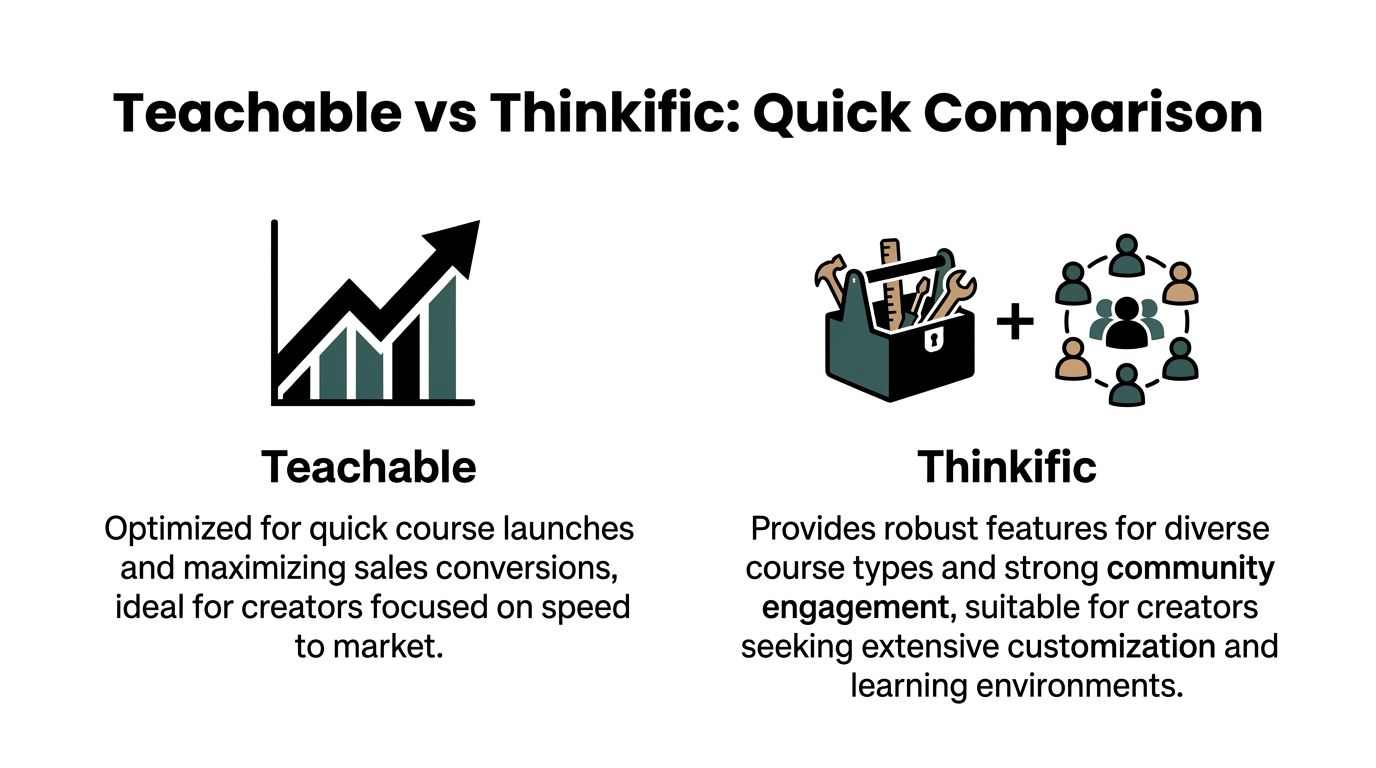
The short version
Teachable works well for creators who want fewer setup decisions and a storefront that helps them start selling fast.
Thinkific works better for businesses that expect a larger catalog, need stronger learning design, or want to protect margin as revenue climbs.
That is the part many comparison tables miss. A platform with the lower monthly sticker price is not always the cheaper platform to run. Transaction fees, paid add-ons, admin friction, and plan upgrades shape the final bill. If you also use AI to speed up content production, the stack gets wider, which is why many creators pair their course platform with the best AI tools for content creators.
Where the trade-off shows up
I would frame it like this.
Teachable reduces launch friction. Thinkific usually reduces long-term friction.
If you are validating an offer, Teachable's simplicity has real value. If you already know you are building a course business, not just publishing one course, Thinkific often holds up better financially and operationally. And once monthly software costs, branding limits, and platform rules start to feel restrictive, the smarter comparison is no longer Teachable vs Thinkific. It is SaaS convenience versus owning more of your stack yourself.
Course Creation and User Experience
The course builder is where platform opinions get real fast. You can ignore a weak reporting dashboard for a while. You cannot ignore a builder that slows you down every time you add lessons.
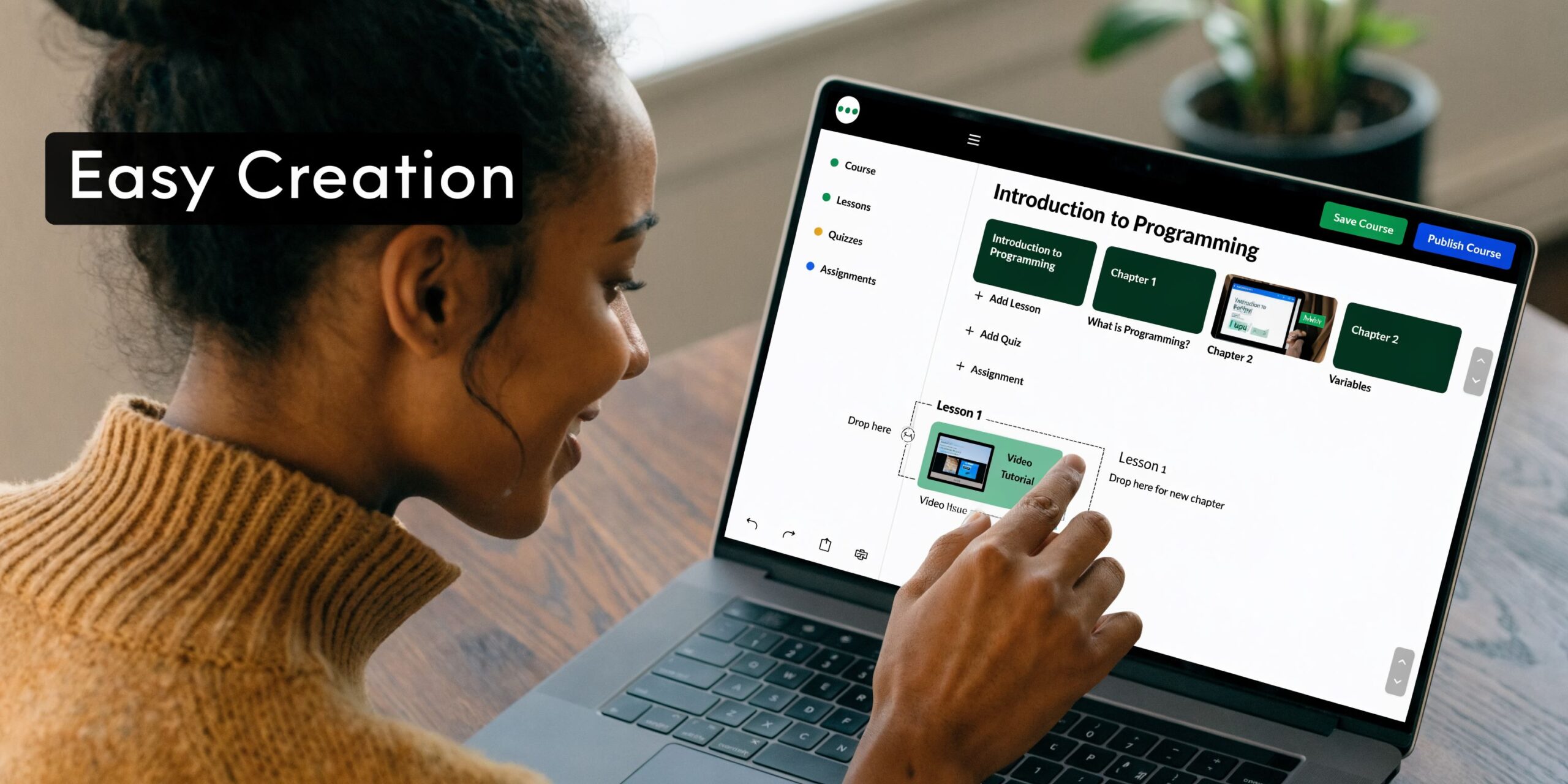
Teachable feels faster out of the gate
For quick course creation, Teachable usually feels more intuitive.
Its drag-and-drop workflow is beginner-friendly, the interface is clean, and the path from course setup to sales page to checkout is short. If you are building a simple flagship course, a mini course, a coaching offer, or a digital download, that matters. Less clicking. Less setup fatigue. Fewer chances to get stuck polishing structure before you have sold anything.
Teachable also leans into automation. It offers AI Course Starter that generates full curricula, lesson content, and sales pages in one workflow, and it includes unlimited native video hosting and analytics on all paid plans, according to AnyforSoft’s comparison.
That combination is useful for creators who need momentum more than perfect instructional design.
Thinkific gives you more control
Thinkific is not hard to use. It is just more deliberate.
The builder gives you better control over how lessons are organized and how students move through content. If you care about assignments, more detailed quizzes, progression rules, or a cleaner structure for a longer program, Thinkific starts to make more sense after the initial setup.
That is why I tend to separate these platforms by job:
- Teachable works better when the product is simple and the goal is speed.
- Thinkific works better when the program needs stronger pedagogy and tighter progression.
- Both work fine for standard video-based courses, but they stop feeling equal once you need more structure.
The practical workflow difference
Teachable supports a launch mindset. You can move from concept to offer page quickly, and that lowers the risk of endless draft mode.
Thinkific supports a curriculum mindset. It asks for a bit more intentional setup, but it rewards that effort when the course is not just content delivery but an actual learning experience.
If your biggest obstacle is shipping, Teachable removes friction. If your biggest obstacle is delivering a stronger learning path, Thinkific gives you more room.
AI helps, but it does not replace design judgment
Both platforms now bring AI into course creation, but that should be treated as acceleration, not strategy.
If you are using AI to map modules, write lessons, or draft page copy, it helps to pair your platform choice with a stronger content workflow outside the LMS too. This guide to best AI tools for content creators is useful if you are trying to tighten research, scripting, ideation, and production before the content even lands inside your course builder.
The key thing is this. Teachable makes the first version easier to get live. Thinkific makes the deeper version easier to build well.
Pricing Fees and True Cost of Ownership
You feel this section the first time a sale comes through and the payout is lower than expected. The monthly plan price gets attention because it is easy to compare. The true cost shows up later, in transaction fees, product limits, upgrade pressure, and how much freedom you give up as the business gets more complex.

The cheapest plan is not always the cheaper decision
Teachable’s Starter plan has a lower entry price, but it charges a platform fee on each sale and limits you to one published product. Thinkific’s Basic plan costs more per month, but it removes platform transaction fees and gives you more room to sell without hitting that wall early.
That difference looks minor on a pricing page. It is not minor once revenue starts coming in.
A creator selling a single flagship course at low volume may accept Teachable’s trade-off for a while. A creator with bundles, mini-courses, coaching, or digital downloads usually feels that Starter plan ceiling fast. The subscription gap is small. The margin hit is not.
A simple comparison table
| Cost factor | Teachable Starter | Thinkific Basic |
|---|---|---|
| Annual entry price | Lower monthly entry price | Higher monthly entry price |
| Platform transaction fee | Charges a platform fee | No platform transaction fee |
| Product limit | Limited to a single published product | Unlimited courses |
| Margin impact as sales grow | Gets more expensive with volume | More predictable |
Where total cost shows up
Creators usually underestimate cost in three places.
First, fees on revenue. If the platform takes a cut every time you sell, growth becomes more expensive instead of more efficient.
Second, forced plan changes. The lower tier works until you need another product, cleaner checkout options, or better economics. Then the platform nudges you upward before you planned for it.
Third, workaround costs. If the platform does not fit your model, you start patching the gaps with extra tools, manual admin, or custom processes. That cost rarely appears on the pricing page, but it is still part of ownership.
I have seen this happen with certificate-based programs in particular. If completion credentials are part of the offer, the platform needs to support that cleanly or you end up adding complexity elsewhere. For teams evaluating that path, these course certificate features for branded completion credentials show the kind of control some businesses eventually want beyond basic SaaS defaults.
Teachable is cheaper for some businesses, but only under specific conditions
Teachable still makes financial sense for a narrow setup. One product. Simple funnel. Fast launch. Limited concern about platform fees because volume is still low.
That is a real use case.
The problem is that many creators choose based on starting conditions and ignore what happens six months later. If the plan only works while revenue is small, it is not a long-term advantage. It is an introductory rate with business constraints attached.
Thinkific is usually easier to justify for operators who care about cleaner margins from the start. You still pay payment processor fees, but the platform itself is not taking an extra percentage of each sale.
Cost of ownership also means control
SaaS convenience has a second price. Dependence.
Your checkout flow, student experience, product structure, and many branding decisions live inside someone else’s system. Early on, that is helpful. Less technical overhead. Faster setup. Fewer moving parts.
Later, it can get expensive in a different way. You want different page behavior, deeper customization, a broader product mix, or tighter control over the learning experience, and the platform decides how far you can go. If your course business starts to look more like a true education company than a side project, that limit matters.
Content production costs also play into ownership. Video-heavy courses often need captioning for accessibility, clarity, and repurposing. If that process is still manual, it adds time and operating cost outside the LMS itself. This guide on how to add captions to videos is a practical example of the extra work many course businesses end up handling around the platform.
This video gives a useful visual breakdown of that trade-off.
When the math starts pointing away from SaaS entry plans
Three signs usually show up before the platform decision needs a hard reset.
Fees are eating enough revenue that you notice them every month.
At that point, the low entry plan stopped being cheap.Your offer catalog is expanding.
Courses, cohorts, memberships, downloads, and certifications put pressure on entry-tier limits fast.You need more control than the platform is built to give.
Better branding, custom flows, and business-specific functionality usually mean more tools, more hacks, or a different setup entirely.
Cheap software gets expensive when it taxes growth, restricts product design, or forces upgrades before the business is ready.
For a first launch, Teachable can still be the right call. For a growing course business, Thinkific usually gives better economics. For operators who are scaling past both, total cost of ownership starts to favor a self-hosted LMS.
Student Engagement Assessments and Certificates
A student buys your course on Monday, gets halfway through by Thursday, then disappears. That drop-off is not just an engagement problem. It affects refunds, testimonials, referrals, and whether that customer ever buys from you again.
Here, Teachable and Thinkific start to separate in a way that matters beyond a feature checklist.
Thinkific gives you more control over how students progress
Thinkific is the better pick if completion depends on structure. It supports stronger assessment design, more control over lesson progression, and better visibility into how students are moving through the course.
In practice, that matters for certification tracks, compliance-style training, and courses where knowledge checks are part of the promise. Learniverse’s in-depth Teachable vs Thinkific comparison found Thinkific ahead on overall feature depth, which matches the day-to-day experience of building on both platforms. You get more room to shape the learning path instead of just uploading lessons and hoping students keep up.
That extra control has an operational cost, too. More options mean more setup decisions, more testing, and a little more admin work at the start.
Teachable keeps the learning experience simpler
Teachable works well for creators selling transformation-driven courses that do not need heavy instructional design.
If the course is mostly video lessons, basic quizzes, progress tracking, and a clean path to completion, Teachable is usually enough. It is easier to set up, easier to maintain, and often a better fit for coaches, experts, and personal brand businesses where the value sits in the method, the teacher, or the outcome, not in advanced assessment logic.
The limitation shows up later. Once you want more nuanced progression rules or tighter alignment between tests and certificates, Teachable can feel restrictive.
Community still sits outside the core learning flow
Both platforms leave a gap here.
Discussion, reflection, and peer interaction are often treated as add-ons instead of part of the lesson experience itself. For course businesses that rely on conversation to drive accountability, that separation creates friction. Students watch in one place, then discuss somewhere else, and every extra step lowers participation.
For a simple self-paced course, that may be acceptable. For cohort-based teaching, certification programs, or community-led learning, it becomes part of the product design problem.
Certificates are only useful when they fit the learning model
A certificate can increase completion rates because it gives students a clear endpoint. But generic completion badges do not add much value on their own.
What matters is how the certificate connects to the course. Can you control the design? Can it be issued automatically after required lessons or assessments? Does it feel credible enough to support your offer? If certificates play a tangible role in your business, this breakdown of course certificate features is a useful reference point.
This is also where total cost of ownership starts to matter. If your business depends on structured assessment, completion proof, and tighter student accountability, you may end up stacking extra tools or upgrading plans to close gaps that were not obvious at signup.
Small completion improvements pay off
A lot of creators miss easy wins.
Captions are a good example. They help students follow along, make lessons easier to review, and improve accessibility for a wider range of learners. If your catalog is video-heavy, this guide on how to add captions to videos is worth using as part of your production process.
For education-first businesses, Thinkific usually does better here. For simpler course businesses selling expertise without a heavy assessment layer, Teachable can still do the job well.
Monetization Payments and Integrations
Many creators choose between Teachable and Thinkific based on course builders, then experience the full difference only after they start selling.
That is usually where the money friction shows up. Checkout flow, payment rules, taxes, transaction fees, and the limits on how you package offers have a bigger effect on profit than another quiz type or page template.
Teachable is built for faster selling
Teachable usually feels easier to monetize on day one.
If the goal is to launch a course, connect Stripe or PayPal, add upsells, run coupons, and start collecting payments without much configuration, Teachable does that well. The checkout experience is more sales-oriented out of the box, and that matters for creators selling low-ticket courses, cohort launches, workshops, or coaching offers where conversion rate and average order value drive the business.
I have seen Teachable work best for solo creators who want fewer moving parts. The trade-off is familiar. Convenience often comes with platform rules, limited flexibility in how payments are handled, and plan-based restrictions that can push costs up as revenue grows.
Thinkific gives you more control over margin
Thinkific is usually the stronger choice for operators who care about keeping more of each sale and building a wider product catalog over time.
Its advantage is not that it magically sells better. It is that the business model is often cleaner for established course companies. No platform transaction fee offers a tangible benefit once volume picks up, especially if you are selling higher-priced programs or a mix of courses, memberships, and digital downloads. Over a year or two, that difference can matter more than a smoother setup screen.
The catch is that Thinkific can feel less straightforward at the start. Some sales features and advanced packaging options are tied to higher plans, so the monthly bill can rise once your business becomes more complex.
Integrations matter because SaaS gaps turn into extra software costs
Both platforms connect to the tools course businesses typically use, including email platforms, analytics tools, Zapier, and webinar systems.
The primary question is how many extra tools you need before your sales process feels complete. If your funnel depends on advanced CRM automation, affiliate management, custom checkout behavior, or region-specific payment options, the sticker price of the platform stops being the full price. You start paying for workarounds. That is part of total cost of ownership, and it is where a platform that looked cheaper at signup can become more expensive to run.
Payment flexibility becomes a business issue, not a feature issue
This matters more as your catalog expands.
Ask practical questions:
- Do you need different payment methods for different countries or customer segments?
- Will you sell one-time courses, subscriptions, coaching, and bundles under the same brand?
- Do you need cleaner control over payouts, revenue splits, or instructor payments?
- Can your checkout stack support the next offer type without another paid tool?
If those questions are starting to matter, it helps to compare broader LMS payment gateway options before committing deeper to a closed platform.
Teachable is stronger for creators who want a quicker sales setup and built-in selling mechanics. Thinkific is stronger for businesses watching margins and planning for a broader product mix. The better choice depends on whether you value launch speed or long-term control more, and that trade-off gets sharper as revenue grows.
When to Choose a Self-Hosted LMS like Mentor LMS
There is a point where comparing Teachable and Thinkific stops being enough.
That point usually comes when monthly fees feel permanent, platform rules start shaping your business too much, or you need a setup that works more like owned infrastructure than rented software.
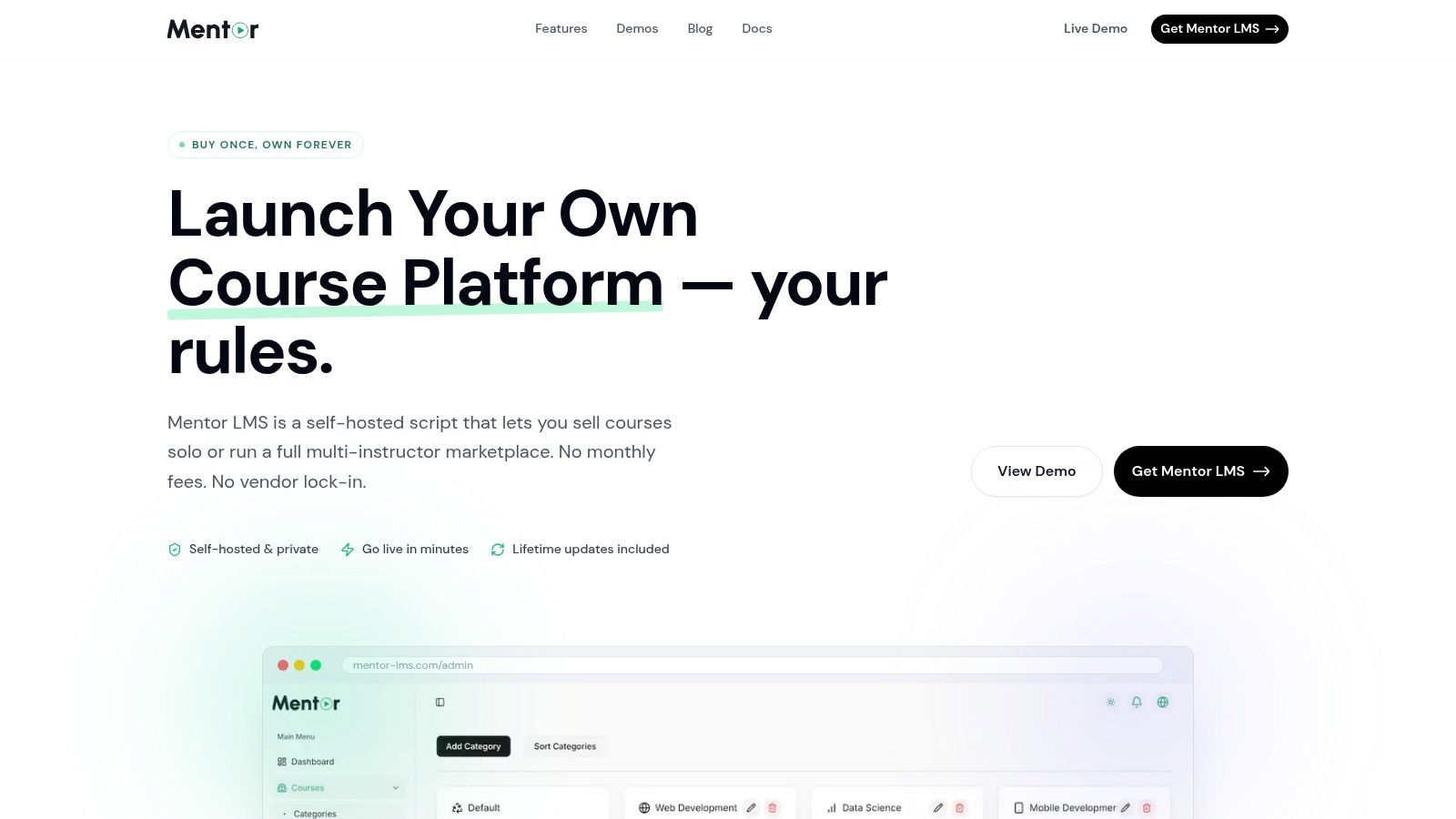
When SaaS stops fitting
A self-hosted LMS makes more sense when your needs move beyond “host my course and let me charge for it.”
That includes cases like:
- Multi-instructor marketplaces where you need commission rules and instructor payout management.
- Agency builds where clients want ownership, branding control, and custom functionality.
- Corporate or compliance training where internal processes, reporting, and hosting control matter.
- Long-term operators who are tired of paying recurring platform fees and giving up flexibility.
This is the core SaaS versus ownership trade-off. If you want a deeper look at that decision model, this breakdown is useful: https://mentor-lms.com/saas-vs-self-hosted
What changes with self-hosting
The biggest difference is ownership.
Instead of paying monthly for access to a vendor’s ecosystem, you buy software, host it where you want, and control the stack. That changes the economics and the decision-making power. You are not waiting on a platform to support your business model. You are shaping the platform around it.
One option in this category is Mentor LMS, a self-hosted LMS built on Laravel and React. It supports solo course sites and multi-instructor marketplaces, includes drag-and-drop course building, standalone exams, certificates, multiple payment gateways, discussion forums, and full branding control. The model is straightforward: one-time purchase, source-code ownership, and no platform revenue share.
Self-hosting is not the right first move for every creator. It becomes the right move when ownership, customization, and long-term economics matter more than plug-and-play convenience.
Who should not choose self-hosting
If you are validating your first course and need the shortest path to launch, SaaS is usually still the simpler path.
Self-hosted systems are better for operators who already know they want control, broader flexibility, and a business asset they fully own. If you are still testing whether anyone will buy your first offer, keep it simple. If you are building an education business, not just a single course, self-hosting deserves a serious look.
Final Verdict Which Platform Should You Choose
The right answer in teachable vs thinkific depends on what you are optimizing for.
Choose Teachable if you are a fast-launch creator. You want a clean builder, easier setup, polished selling flow, and business-friendly features that help you get an offer live without much friction. It is a practical fit for coaching, simple courses, digital downloads, and creators who care more about selling efficiently than building an assessment-heavy learning environment.
Choose Thinkific if you are an education-first operator. You want stronger quizzes, better progression control, deeper student engagement tools, and a pricing model that does not take a platform cut from each sale on entry plans. It is the better fit for creators building more structured programs and expecting to scale their catalog over time.
Choose a self-hosted LMS if you are thinking like an owner rather than a subscriber. That path fits businesses that want full control over branding, payments, functionality, hosting, and long-term economics. It also fits agencies, marketplace operators, and teams building something more custom than a standard course site.
My short version is this:
- Launch-first creator: Teachable
- Learning-first scaler: Thinkific
- Ownership-first business: Self-hosted LMS
The mistake is not choosing one over the other. The mistake is choosing a platform whose trade-offs do not match your business model.
If you are reaching the point where monthly platform fees, product limits, and vendor lock-in are getting in the way, take a look at Mentor LMS. It is a self-hosted option for creators, teams, and marketplace operators who want to own their LMS stack instead of renting it.